You have a photograph. Maybe you're trying to identify where it was originally posted, verify whether an online match is using someone else's pictures, or find someone's public social accounts when you don't have their handle.
Most people instinctively paste the picture into Google Images or TinEye and assume they have searched the internet. When nothing shows up, they assume the person has zero online footprint. But that conclusion rests on a fundamental misunderstanding: traditional reverse image search engines and dedicated face search engines are solving completely different technical problems.
A reverse image search looks for duplicate copies of that exact digital file. A dedicated face search engine analyzes the geometry of the human face—the interocular distance, nose bridge, jaw curvature—and searches for that same person across entirely different photos, angles, and lighting conditions.
Quick Answer
The best face search engine depends on your investigative goal: Use PimEyes for deep open-web facial recognition across blogs, news articles, forums, and public image boards; use ProfileFinder for locating public social media accounts and supported dating app profiles starting from a photo; use Google Lens or TinEye for finding exact duplicate image files, stock photos, and product sources; and use FaceCheck.ID for checking public dating profiles. No search engine indexes the private web, and receiving zero results never proves someone is absent from the internet.
Face search engines at a glance
Engine / Tool | Core Technology | Social Media Coverage | Free Access Level | Best Use Case |
|---|---|---|---|---|
ProfileFinder | Biometric face search & social profile discovery | Public social networks & supported dating services | Free search initiation & preview | Finding public social profiles and dating accounts from a photo |
PimEyes | High-precision 512D facial landmark vectorization | Excludes major social networks from direct indexing | Limited scan preview; source URLs behind subscription | Finding where your face appears on the open web, blogs, and press |
FaceCheck.ID | Facial recognition indexing social and open-web media | Indexes public social profiles and adult websites | Free low-tier searches with credit queues | Romance scam detection and public profile cross-checking |
Google Lens | Visual object recognition and color histogram matching | Indexed public web pages and image search | 100% Free | Finding identical photos, stock images, clothing, and landmarks |
TinEye | Perceptual image hashing and duplicate file detection | General open-web image index | Free for individual lookups | Tracking the earliest date an exact image file appeared online |
How to Search Faces With ProfileFinder
If your real goal is discovering whether a person maintains active public social accounts or dating profiles, ProfileFinder's face search engine provides a focused workflow. Use it as a research tool, not as a shortcut to a relationship or identity verdict. The approved product sequence below reflects the current ProfileFinder flow.
Step 1: Open ProfileFinder
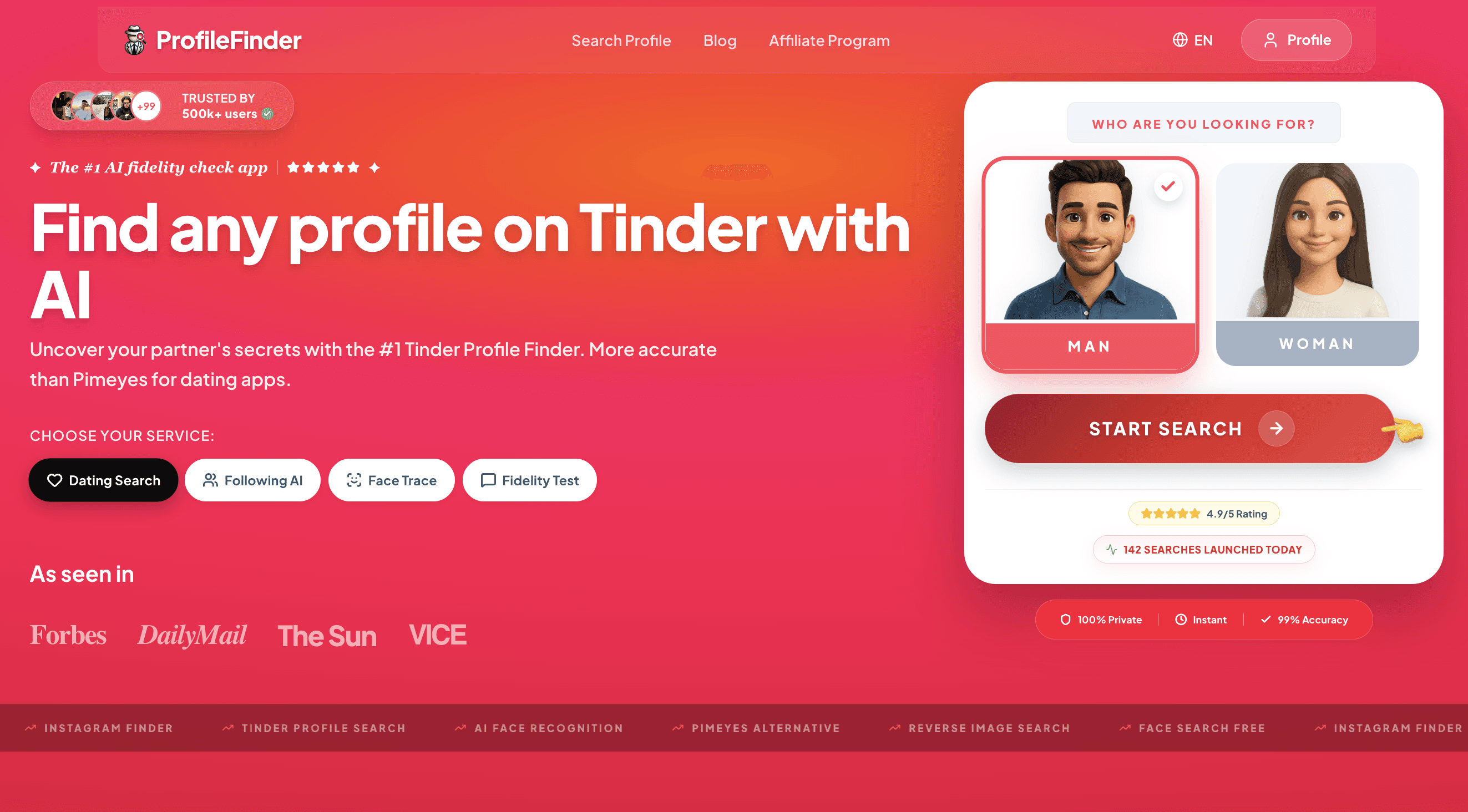
Navigate to the ProfileFinder search interface and choose your starting point. You can begin with a facial photo lookup or a guided name and location query. You do not need to create a fake account on any platform or contact the person you are researching.
Step 2: Upload a clear, uncropped photo
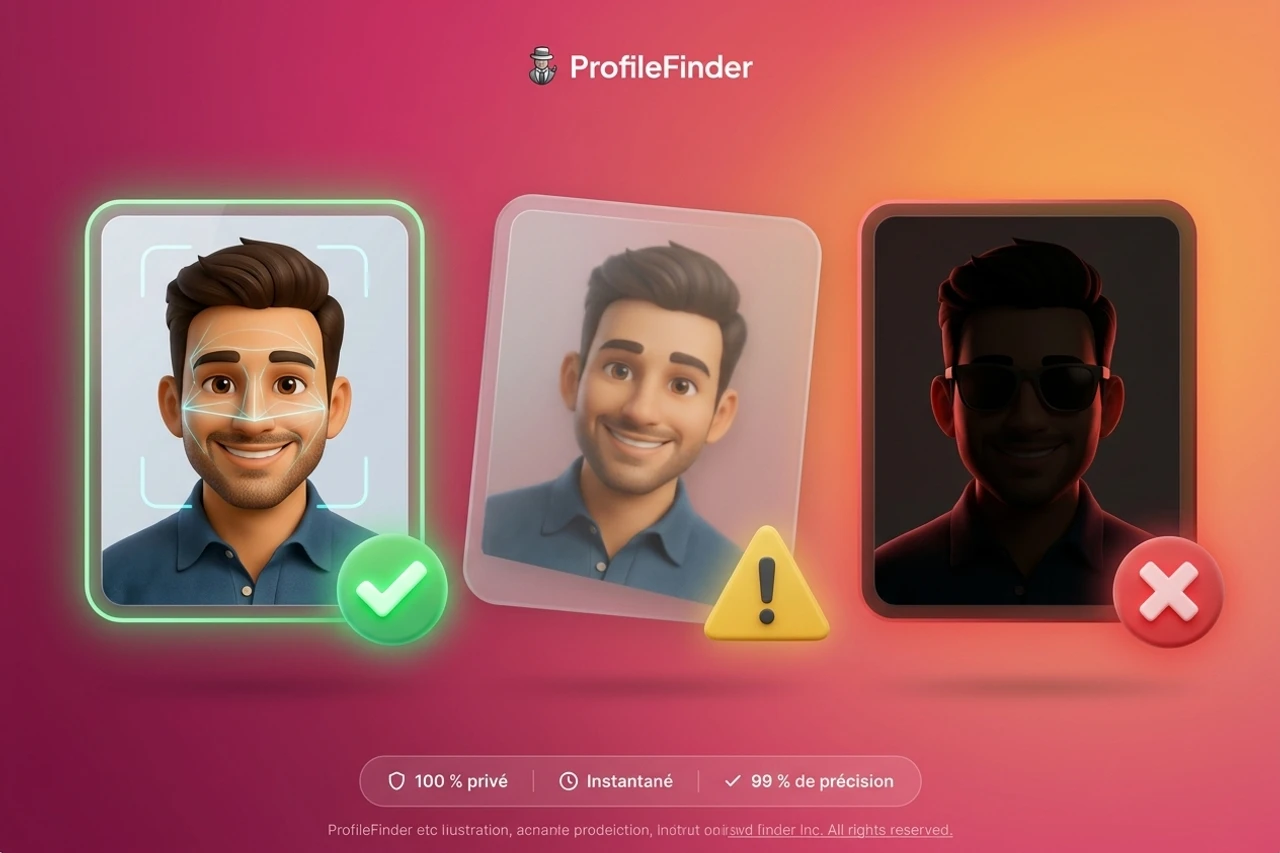
Provide the highest quality portrait available. Choose an image where the subject is facing the camera, with natural lighting, open eyes, and no heavy occlusion from sunglasses, hats, or hands. Clearer facial landmarks allow the neural network to calculate accurate biometric vectors.
Step 3: Add narrowing criteria
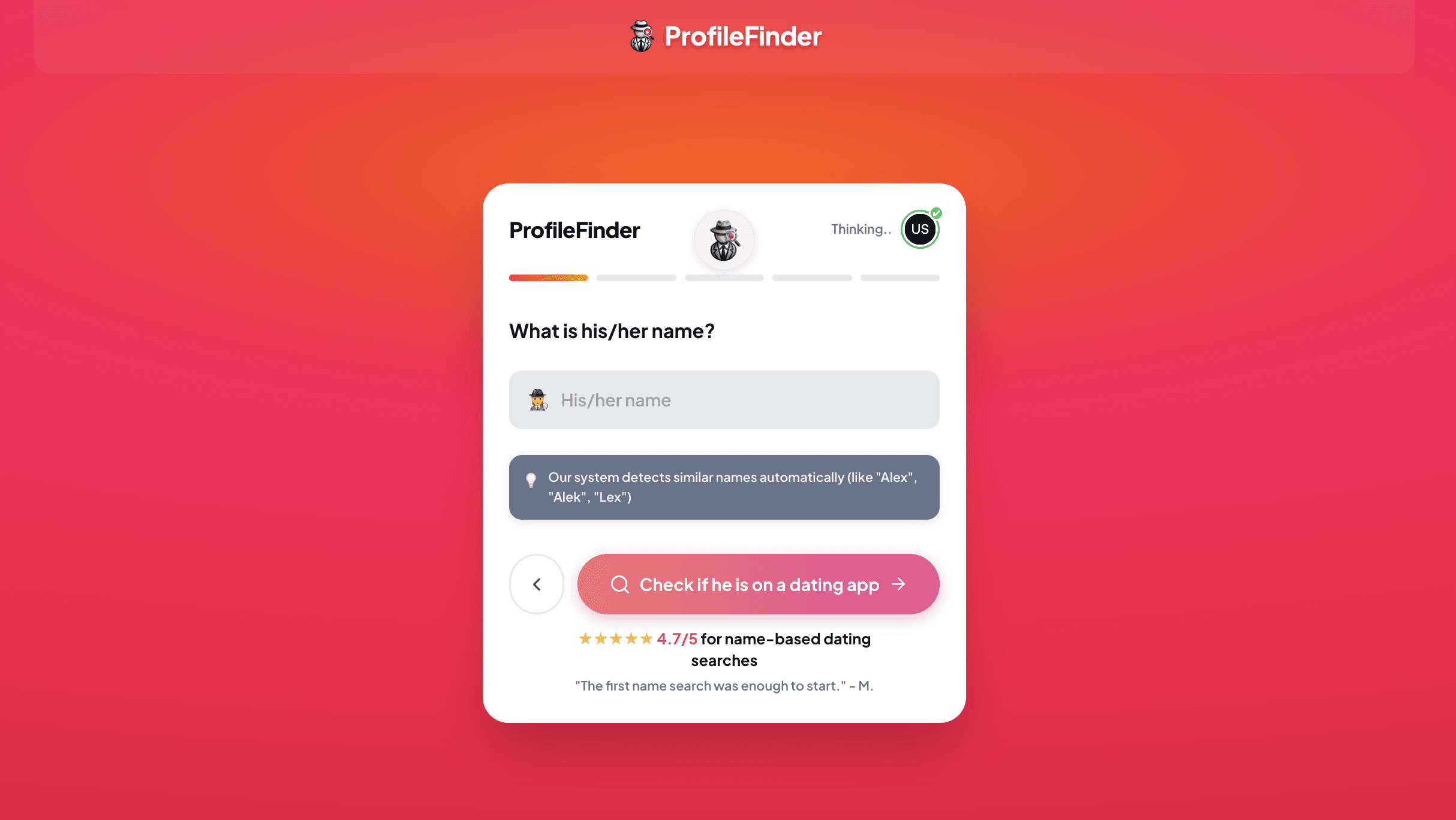
If you know the person's approximate age, first name, or metropolitan area, add those details to narrow the search scope. Combining visual signals with geographic filters eliminates coincidental lookalikes living in other countries.
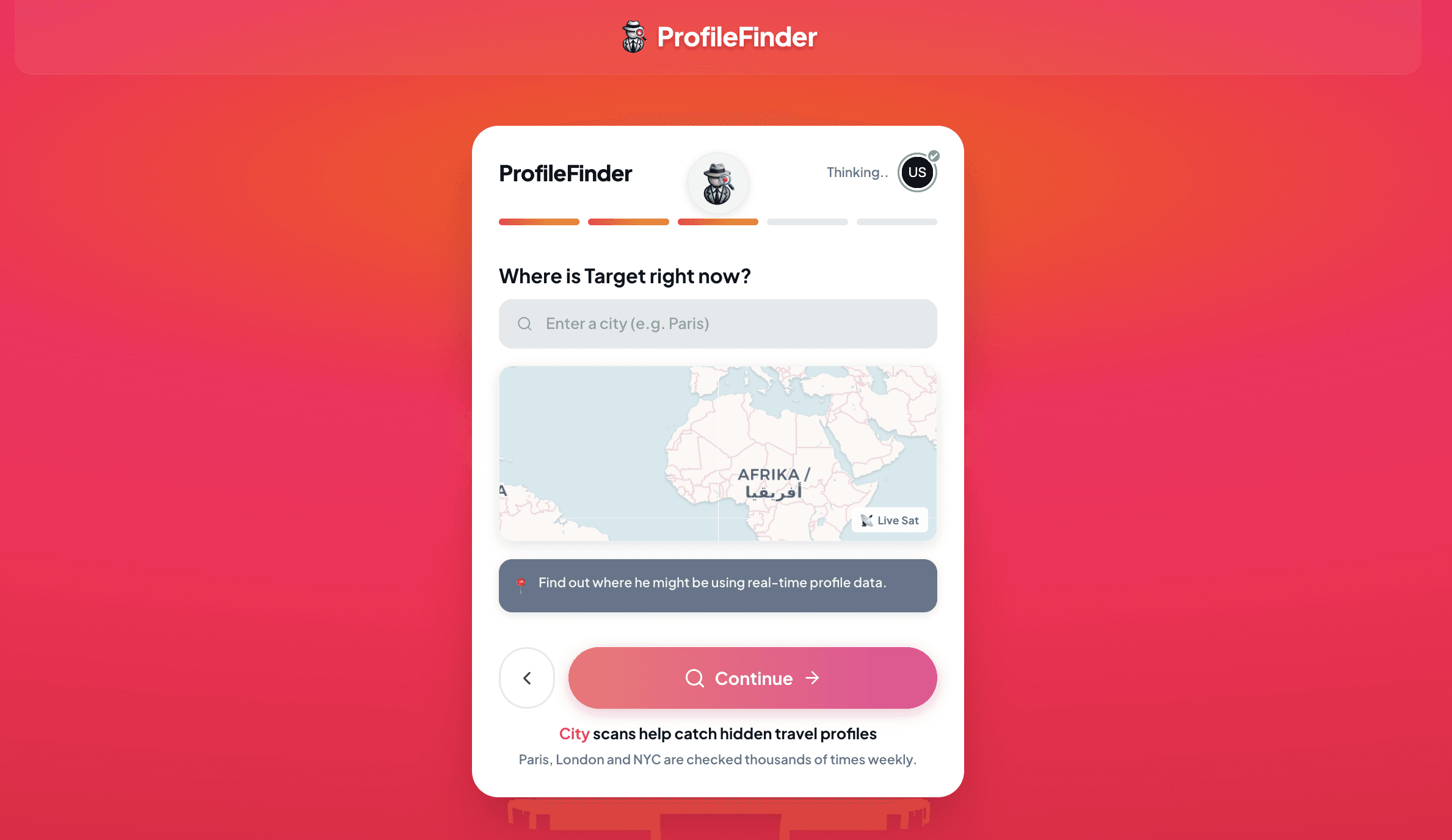
Step 4: Launch the search
Submit your search to allow the system to analyze facial landmarks and query publicly indexed sources. Review any pricing, access, and privacy disclosures shown before unlocking a full report. Do not assume that initiating a scan means every detailed result is free.
Step 5: Review possible matches and cross-check
Examine the returned candidates side by side. Compare multiple independent identifiers: facial structure, name variations, account creation dates, linked usernames, and the context of the host website. Never treat a visual match as standalone proof of identity.
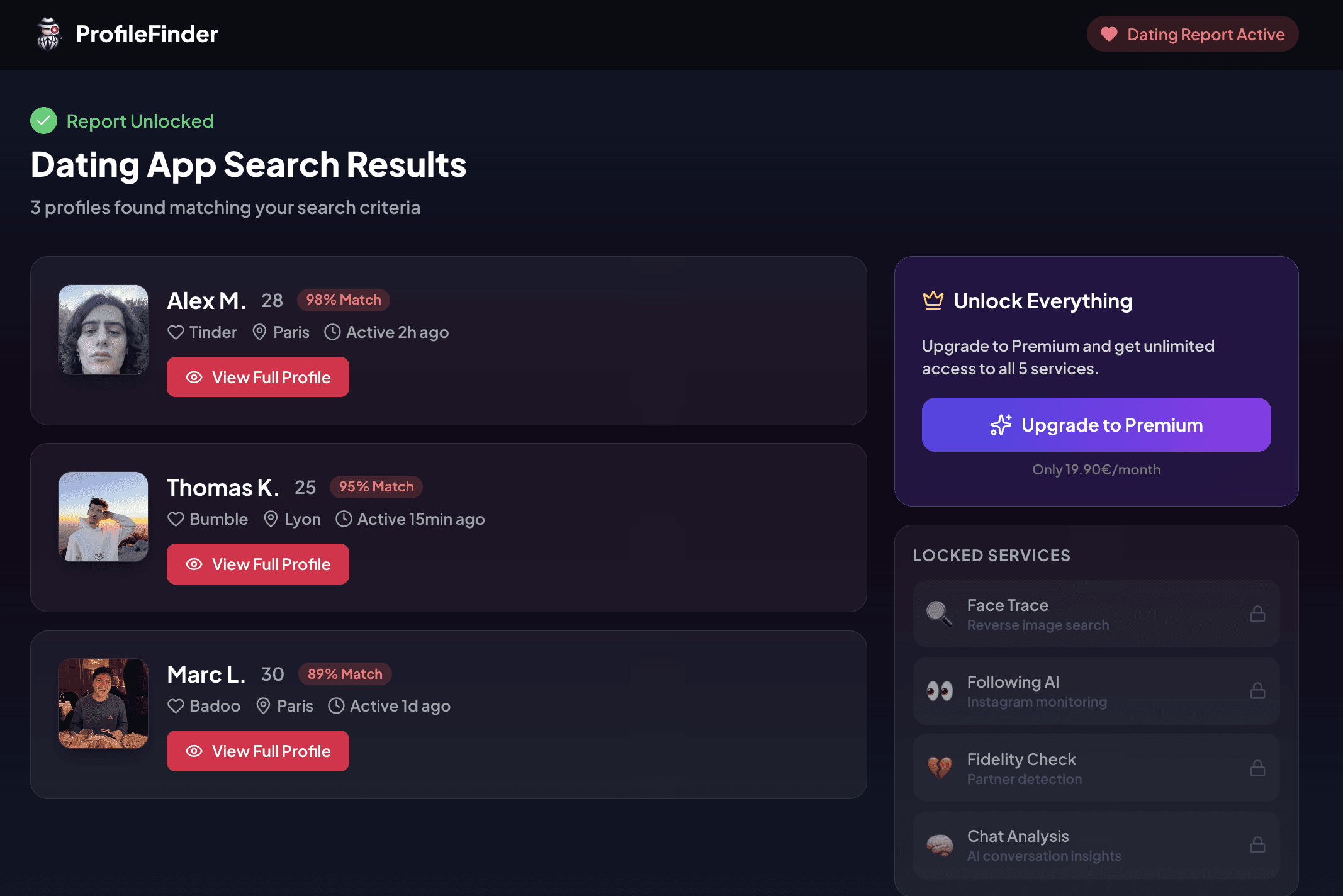
Evidence ladder: a possible visual match is not a confirmed identity; a confirmed identity is not proof of recent activity; and discovering an impersonation account proves photo theft, not deception by the person pictured.
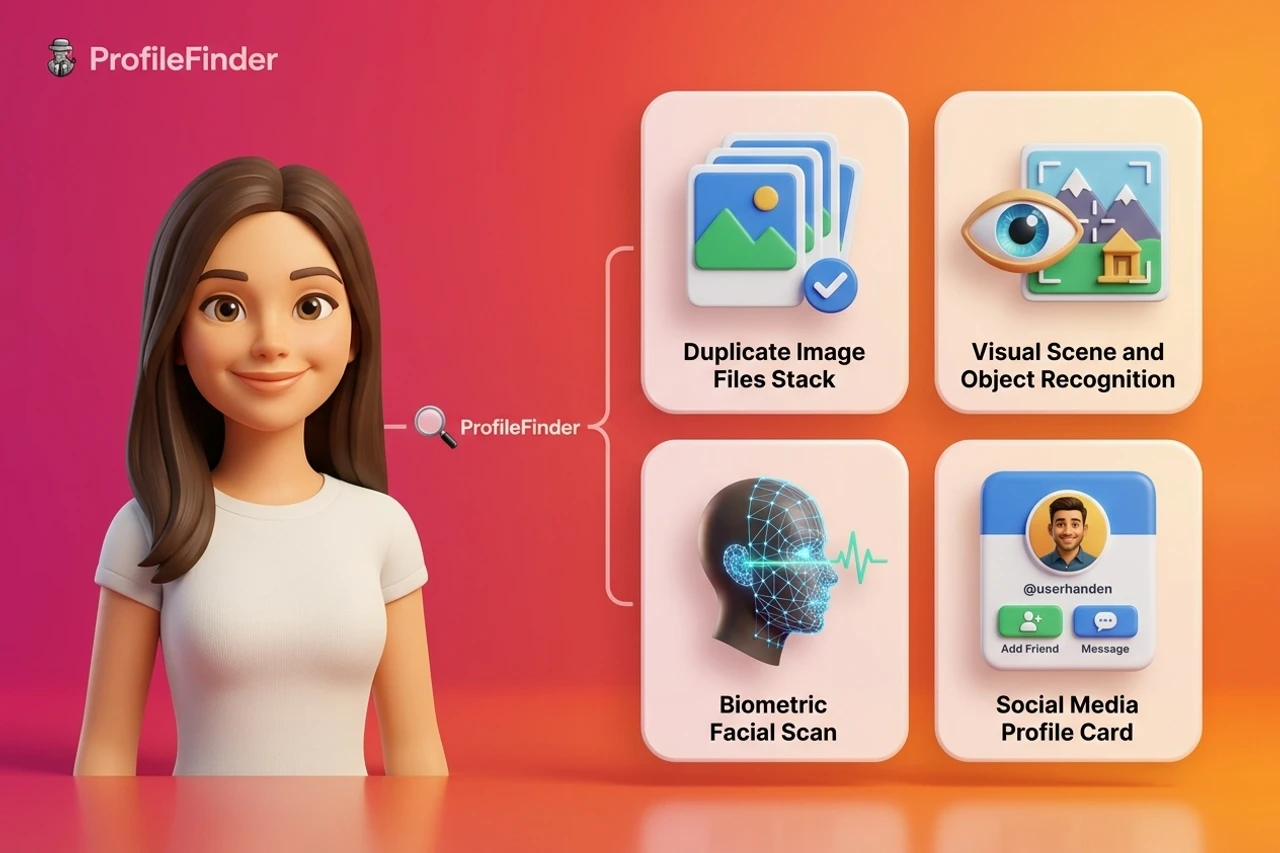
The Four Different Search Problems (And Why Most Tools Fail)
Before choosing a tool, you must understand what problem you are actually trying to solve. Most search failures happen because users apply a file-matching tool to a facial-recognition problem.
1. Exact-Image Matching (Pixel Hashing)
This is what TinEye and basic reverse image search do. The algorithm creates a numerical fingerprint (a perceptual hash) of the image file. It checks whether that exact image—or a resized, slightly cropped, or color-adjusted version of it—already exists in its index.
Where it works: Catching someone who downloaded a modeling photo from Pinterest, a stock photo from Unsplash, or a picture from a public news article and uploaded it directly to a profile.
Where it fails: If the person took a genuine, original selfie that has never been posted on the open web, exact-image matching will return zero results every single time.
2. Visually Similar Image Search (Semantic Context)
This is Google Lens's primary mode. It does not look exclusively at the face. It evaluates the entire composition: the color palette, the background environment, clothing patterns, objects, and textures.
Where it works: Identifying the brand of jacket someone is wearing, finding the restaurant where a photo was taken, or discovering artwork hanging on a wall behind them.
Where it fails: Google Lens will happily show you ten photos of completely different people wearing similar blue sweaters in front of brick walls. It is a visual shopping and context tool, not a dedicated face search engine.
3. Biometric Facial Similarity (Reverse Face Search)
This is the domain of specialized face search engines like ProfileFinder, PimEyes, and FaceCheck.ID. These engines ignore the background, ignore clothing, and ignore file hashes. Instead, a convolutional neural network isolates the face, detects 68 to 512 facial landmarks, normalizes the head pose, and extracts a biometric feature vector.
Where it works: Finding the same person across different photos taken years apart, with different hairstyles, different lighting, and different expressions.
Where it fails: Extreme angles (profile shots), severe motion blur, low resolution (faces under 80x80 pixels), or heavy occlusion (sunglasses, masks) prevent vector extraction.
4. Public Social-Profile Discovery
This is where visual search meets open-source intelligence (OSINT). The goal is not merely to find other photos of the face, but to connect that face to discoverable public profiles across social networks like Instagram, LinkedIn, or dating platforms.
Where it works: Finding someone's public accounts when you have their photo but don't know their handle, or when they use different usernames across different networks.
Where it fails: Private accounts, locked profiles, and platforms behind strict login walls (such as private Facebook groups or unindexed WhatsApp chats) cannot be reached by web crawlers.
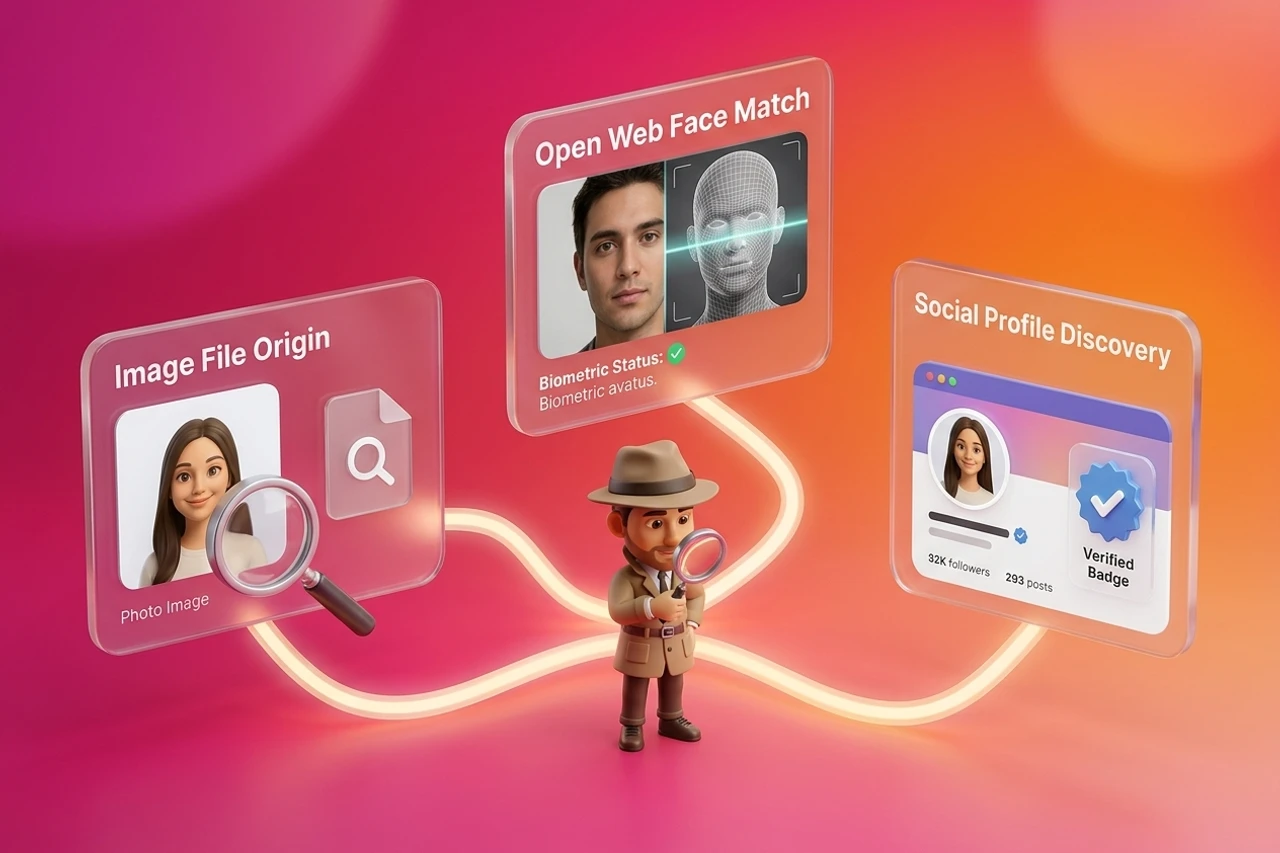
Full Comparison: What the Leading Tools Actually Do
Understanding the strengths and weaknesses of each platform prevents wasted time and misleading conclusions.
1. ProfileFinder
ProfileFinder focuses on solving the connection between a face and public social or dating platforms. Unlike general face search engines that return millions of uncategorized web forum images, ProfileFinder's algorithms prioritize finding public social footprints, helping you cross-reference identities safely and efficiently.
When you have a photo and suspect someone maintains active profiles across social platforms, you can use our social media search by photo, cross-reference circular avatar crops using our dedicated Instagram finder by photo, or verify candidate dating accounts through our dating profile search.
2. PimEyes
PimEyes is widely recognized as the most expansive open-web facial recognition engine. It crawls public blogs, news sites, company directories, court records, adult websites, and photography portfolios. However, PimEyes explicitly avoids indexing major social media platforms like Instagram or Facebook directly due to platform terms of service. Furthermore, while the initial scan is free, unlocking source URLs requires an expensive monthly subscription.
3. FaceCheck.ID
FaceCheck.ID is specifically tailored for romance scam detection and background research. It indexes public social media pages, mugshot databases, adult platforms, and news articles. It provides a visual similarity score and flags potential risks. However, FaceCheck relies on a cryptocurrency-based credit system that creates friction for non-technical users.
4. Google Lens
Google Lens is free, instantly accessible, and integrated into every major browser. It is the ideal first pass for checking whether a photo is a publicly available stock photo, a downloaded celebrity portrait, or a product image. But Google deliberately restricts facial recognition on private individuals to comply with its global privacy principles.
5. TinEye
TinEye remains the gold standard for tracking image provenance. When TinEye returns results, you can sort them by "Oldest" to find the earliest recorded upload date of that exact file. This makes it invaluable for proving whether an image was created years before your online contact claims it was taken.
Why Face-Search Engines Disagree (Index Coverage vs. Recognition Models)
Users often upload the same photo to three different tools and receive three completely different sets of results. This happens because search engines differ in four structural ways:
- Index Coverage: Each tool crawls a different slice of the web. PimEyes focuses on open websites and media archives; Google focuses on high-PageRank domains; ProfileFinder emphasizes social discovery channels.
- Crawl Recency: A photo published yesterday on a blog might be indexed by one crawler within six hours, while another engine's crawler won't revisit that domain for three months.
- Similarity Thresholds: Engine A might set a strict confidence threshold of 85% (producing few false positives but missing some true matches), while Engine B sets a looser threshold of 70% (showing more candidates, but including lookalikes).
- Walled Gardens: No public engine has complete access to closed networks. What appears in results is only what was publicly discoverable at the time of the crawl.
The Evidence Ladder: What a Result Actually Proves
Before drawing emotional or legal conclusions from a search result, run your findings through the Evidence Ladder:
- Level 1 (Visual Lead): A search engine shows a matching face on a public web page. This proves only that a photo with similar biometric landmarks exists online.
- Level 2 (Corroborated Source): The source page contains additional matching details: consistent full name, age, city, workplace, or educational background. This significantly increases confidence that you have identified the right person.
- Level 3 (Activity & Control): The account shows recent, verified activity. However, even an active account does not prove who is currently sitting behind the keyboard without direct, interactive confirmation.
- Level 4 (Direct Confirmation): A real-time video call with interactive motion remains the only foolproof proof of identity.
Why "No Results" Does Not Mean "Not Online"
Receiving zero results from a face search is not proof that someone has no digital presence. False negatives happen frequently due to:
- Photo Quality: Heavy compression, aggressive beauty filters, or sunglasses obscure facial landmarks, preventing the neural network from generating a valid biometric vector.
- Private Profiles: Over 70% of social media accounts operate under private or restricted settings, which web crawlers cannot access.
- Freshness Delays: New accounts or recently posted pictures take days or weeks to enter search engine indexes.
- Synthetic Images: AI-generated faces (StyleGAN, Midjourney) represent fictional people who have never existed on the web.
Privacy considerations when using face search engines
Facial recognition technology is a powerful open-source intelligence tool. With that power comes a strict responsibility to handle data lawfully and ethically:
- Use search tools only with images you have obtained lawfully.
- Never submit intimate or non-consensual images.
- Do not use discovered information to stalk, harass, intimidate, or unlawfully track anyone.
- Respect the distinction between public-source research and private surveillance.
- If you discover your own photos indexed on third-party face search engines, use their official opt-out and image removal procedures to protect your digital footprint.
How to verify a possible match
- Check the strongest identifier first: Compare unoccluded facial geometry, distinctive scars, ear shape, and hairline—not merely clothing or hair color.
- Separate report date from source date: A report delivered today may contain source material cached years ago. Inspect the source timestamp.
- Find an independent second source: Cross-reference with a public LinkedIn profile, company website, or social media handle.
- Test alternative explanations: Consider impersonation, shared family photos, common names, or coincidence before making accusations.
- Preserve context: Record full URLs, timestamps, and page screenshots without cropping away disconfirming details.
- Decide proportionately: An ambiguous match warrants careful verification or an open conversation—never harassment or retaliation.
What to do with an ambiguous result
Ambiguity is normal in automated identity search. If an engine returns a match with an 80% similarity score but the name or location doesn't align, treat the record as unresolved. Do not purchase repeated scans hoping for emotional certainty from an algorithm. If you suspect deception, ask for a two-minute live video call. If your concern involves safety, harassment, or financial fraud, consult local authorities or consumer protection resources rather than conducting escalating private surveillance.
Frequently Asked Questions
Can Google search the web by face?
Google Lens can analyze visual elements in photos, but Google intentionally disables facial recognition for identifying private individuals across the open web to prevent mass surveillance and comply with international privacy standards.
Is there a 100% free face search engine?
General reverse image search engines like Google Lens and TinEye are 100% free for file matching. However, dedicated biometric face search engines require substantial neural network compute power. Most offer free previews or limited searches, but comprehensive reporting and source link exports are typically paid features.
Can a face search engine find private social media accounts?
No. Face search engines cannot bypass login screens, two-factor authentication, or private account settings. They can only index publicly accessible pages, open blogs, and public web archives.
What is the difference between PimEyes and ProfileFinder?
PimEyes is an open-web facial recognition crawler that searches broad public websites, blogs, and forums while avoiding direct social media indexing. ProfileFinder is built specifically for public social profile discovery and dating profile verification, helping users find discoverable accounts across supported networks.
How can I tell if a matching result is a catfish?
If you run a face search on a picture provided by an online contact and discover that the exact same face belongs to a verified public influencer, model, or professional living in another country under a completely different name, you are almost certainly dealing with a catfish who stole someone else's photos. For a complete verification workflow and ladder of proof, see our dedicated guide to catfish image search.
Why do two face search engines give completely different results?
Different engines maintain different crawl indexes, revisit web pages at different frequencies, and tune their similarity thresholds differently. A photo indexed by one crawler may have been missed by another or filtered out by stricter confidence rules.
Is searching for someone using their photo legal?
Yes. Searching publicly available photos across open search engines and public databases is a routine form of open-source intelligence (OSINT). However, using discovered data to harass, stalk, or dox someone is strictly illegal.