Upload an Instagram photo or avatar
Choose a clear portrait, cropped avatar, or screenshot. Unoccluded facial landmarks provide the strongest biometric signal.
Upload a portrait, screenshot, or cropped profile picture. ProfileFinder analyzes facial landmarks to discover publicly accessible Instagram accounts, creator feeds, and matching web sources—without needing the @handle.
Choose a clear portrait, cropped avatar, or screenshot. Unoccluded facial landmarks provide the strongest biometric signal.
Our algorithms extract facial geometry to search publicly indexed Instagram posts, creator directories, and matching web albums.
Inspect potential Instagram accounts with direct links. Cross-reference display names, bio details, and photo feeds to confirm identity yourself.
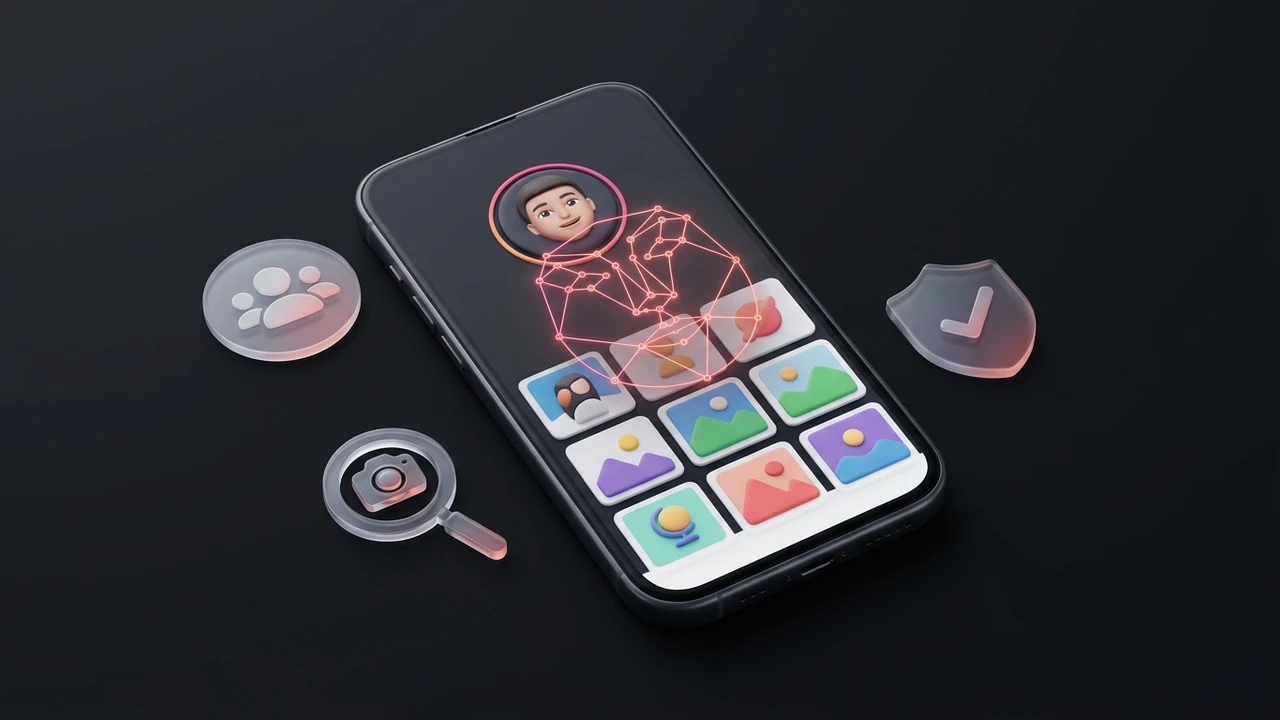 Facial landmarks matched against public Instagram index
 Instagram photoPublic feed post
 Instagram profileCandidate profile avatar
Example preview only. Every candidate profile must be independently verified from its original source on Instagram.
Instagram's native search bar is designed around alphanumeric text queries: exact handles (@username), display names, hashtags, and sound tags. If you know that someone's handle is @sarah_miller, you can type it in and find their profile immediately. But in reality, Instagram handles are fluid and ephemeral. Users routinely change their usernames to reflect new life stages, adopt abstract aesthetic monikers (such as @velvet.echoes or @wandering.lens), or switch between personal and professional personas.
When a handle changes, every existing bookmark, mention, or note is broken. Furthermore, many users do not include their real first or last name anywhere in their display name or bio. An image-led face search bypasses the text layer entirely. Instead of querying changing alphanumeric strings, ProfileFinder isolates unique biometric facial landmarks that remain constant regardless of what username the account owner decides to use today.
On Instagram, profile pictures are notoriously restricted: they are displayed inside a 150x150 pixel circular mask, and the native mobile app deliberately prevents users from tapping, expanding, or zooming in on them. If you take a mobile screenshot of someone's profile, you are left with a tiny circular crop surrounded by interface icons and background compression artifacts.
Traditional reverse image search engines like Google Lens or TinEye rely on perceptual pixel hashing and visual similarity across the entire image rectangle. When you feed a cropped circular screenshot into basic tools, the circular crop boundary, downscaled resolution, and JPEG compression alter the file signature completely—resulting in zero matches or generic suggestions for circular frames and fashion items.
ProfileFinder's neural network operates on facial landmark vectorization rather than pixel hashing. It detects the face within the crop, normalizes the head pose, and extracts a 512-dimensional vector based on the mathematical ratios between pupils, nasal bridge, and jawline curvature. This allows a low-resolution circular avatar screenshot to match full-resolution grid posts (instagram.com/p/...) or public photography albums where the same person appears.
To understand when a photo lookup is necessary, compare the capabilities of Instagram's built-in directory search with ProfileFinder's facial discovery workflow:
| Feature / Capability | Native Instagram Search | ProfileFinder Photo Search |
|---|---|---|
| Input Required | Exact username (@handle) or display name | Any portrait photo, screenshot, or cropped avatar |
| Handles Changed | Fails completely (broken links / missing profiles) | Biometric landmarks match across handle changes |
| Unrelated / Abstract Handles | Fails if username is not the person's real name | Matches the face directly regardless of username |
| Circular 150x150 Avatars | Not searchable or expandable natively | Extracts facial vectors from cropped circular avatars |
| Detecting Stolen Photos / Clones | Cannot scan or identify duplicate faces | Surfaces multiple accounts using the same photos |
| Cross-Platform Profile Discovery | Restricted to Instagram app only | Discovers linked profiles across web and social sources |
| Private Profile Access | Shows locked bio & follow request button | Respects privacy boundaries (publicly indexed data only) |
Transparency is essential in online search: no search engine possesses magical access to Meta's closed servers. Understanding what can be discovered versus what is technically inaccessible prevents false assumptions.
What can be found: Public personal profiles, public creator accounts, business profiles, permanent grid feed posts (instagram.com/p/...), public Reels with discoverable thumbnails, and external websites (such as portfolio sites, Linktree pages, or blogs) that embed public Instagram photos.
What CANNOT be found: Private profile feeds, disappearing Stories (which vanish after 24 hours), Close Friends content, direct messages (DMs), or accounts that have never published a publicly indexed photograph. If an account is set to private, web crawlers can only see the profile avatar and bio—not the post feed.
Instagram is the primary hunting ground for photo theft. Romance scammers, catfishers, and bot networks frequently scrape photos from micro-influencers, models, or ordinary users and re-upload them to fraudulent accounts under fake names.
When you run an Instagram photo search on a suspicious match from a dating app or DM, you are testing photo uniqueness. If the search reveals that the exact same face appears across four different Instagram accounts with conflicting names, or belongs to a verified travel blogger living in another country, you have objective proof that your contact is using stolen imagery.
Always cross-check account creation dates and community interactions. A real profile has comments from genuine friends spanning several years; an impersonator account typically features recently posted photos with generic spam comments.
The accuracy of a facial search depends directly on the quality of the input image. Follow these three rules to maximize your discovery rate:
First, avoid aggressive beauty filters or heavy AR lenses that distort natural facial proportions. Second, ensure both eyes, the nose, and the mouth are clearly visible without obstruction from sunglasses, large hats, or hands. Third, use the highest-resolution uncropped original photo available rather than taking a screenshot of a screenshot.
ProfileFinder provides research leads from publicly indexed web sources. A potential match is not a legal verdict or definitive proof of identity. Two unrelated people can share similar facial features, and innocent individuals frequently have their photos stolen.
Never use discovered Instagram profiles for stalking, harassment, doxxing, or unsolicited contact. If you discover that your own photos have been scraped or uploaded without consent, use Instagram's official copyright and impersonation reporting tools to request immediate removal.
ProfileFinder is an open-source intelligence research aid for locating publicly discoverable Instagram profiles. It is not an authorization for stalking, harassment, or private surveillance.
Yes. When you do not know a person's Instagram handle or if they have changed their username, a facial photo search maps biometric facial geometry and searches publicly accessible web sources, creator pages, and indexed albums to locate candidate Instagram accounts.
No. Instagram does not have a built-in reverse image or facial recognition search tool. Native Instagram search only allows you to query text: exact usernames, display names, hashtags, places, and audio. To search with a photo, you must use a dedicated external face search tool like ProfileFinder.
No search tool can bypass Instagram's privacy walls or password protections. When an account is set to private, only its username, display name, and low-resolution profile thumbnail are publicly accessible. ProfileFinder only analyzes publicly discoverable web pages, public creator profiles, and indexed web data.
ProfileFinder's neural network isolates facial landmarks (eyes, nose, mouth geometry) even from cropped circular avatars, provided the face is reasonably clear and not severely blurred. The extracted facial vector can then match full-resolution photos, public grid posts, or cross-platform accounts.
No. Searches on ProfileFinder are completely passive, confidential, and client-side. No notification, ping, or alert is ever sent to the person pictured or to Instagram.
Check the account creation date, post history, engagement, and follower interactions. Romance scammers and impersonators frequently create clone accounts using stolen photos from influencers. If multiple profiles with different names use the exact same photos, you are almost certainly looking at photo theft.
Yes. Using publicly available images to search across indexed web sources is a standard form of open-source research and safety verification. However, discovered information must always be used responsibly and lawfully—never for harassment, stalking, or doxxing.
Upload an uncropped portrait or profile screenshot, review candidate matches, and inspect source pages yourself.