You meet someone on a dating app, Instagram, or a messaging platform. The conversation flows easily, they seem attentive, and their photos are undeniably attractive. But as the days turn into weeks, subtle inconsistencies appear. They always have a convenient excuse when you suggest a quick video call. Their schedule has mysterious gaps. Or their profile pictures look a little too polished, like they were cropped from a catalog or a modeling portfolio.
When you have a nagging suspicion that the person on your screen isn't who they claim to be, a catfish image search is usually the first practical step. But there's a big gap between dragging a JPEG into Google and running a real, methodical image investigation.
Quick Answer
To reverse image search a possible catfish: (1) Crop out any messaging borders, text bubbles, or app icons to isolate the face; (2) Run a general reverse image search on Google Lens or TinEye to check for exact duplicate files and stock photos; (3) Run a biometric face search on ProfileFinder to match facial geometry across different public albums and angles; and (4) If matches surface under a different name or location, cross-check the earliest upload dates to identify the true owner of the images.
Catfish photo verification at a glance
Method / Tool | How It Works | What It Catches | Main Limitation | Best Use |
|---|---|---|---|---|
Exact Image Match (TinEye, Google Lens) | Computes digital file signatures and pixel color hashes | Identical copies, stock photography, public modeling portfolios | Fails if image is cropped, mirrored, or filtered | First free pass to catch lazy photo theft |
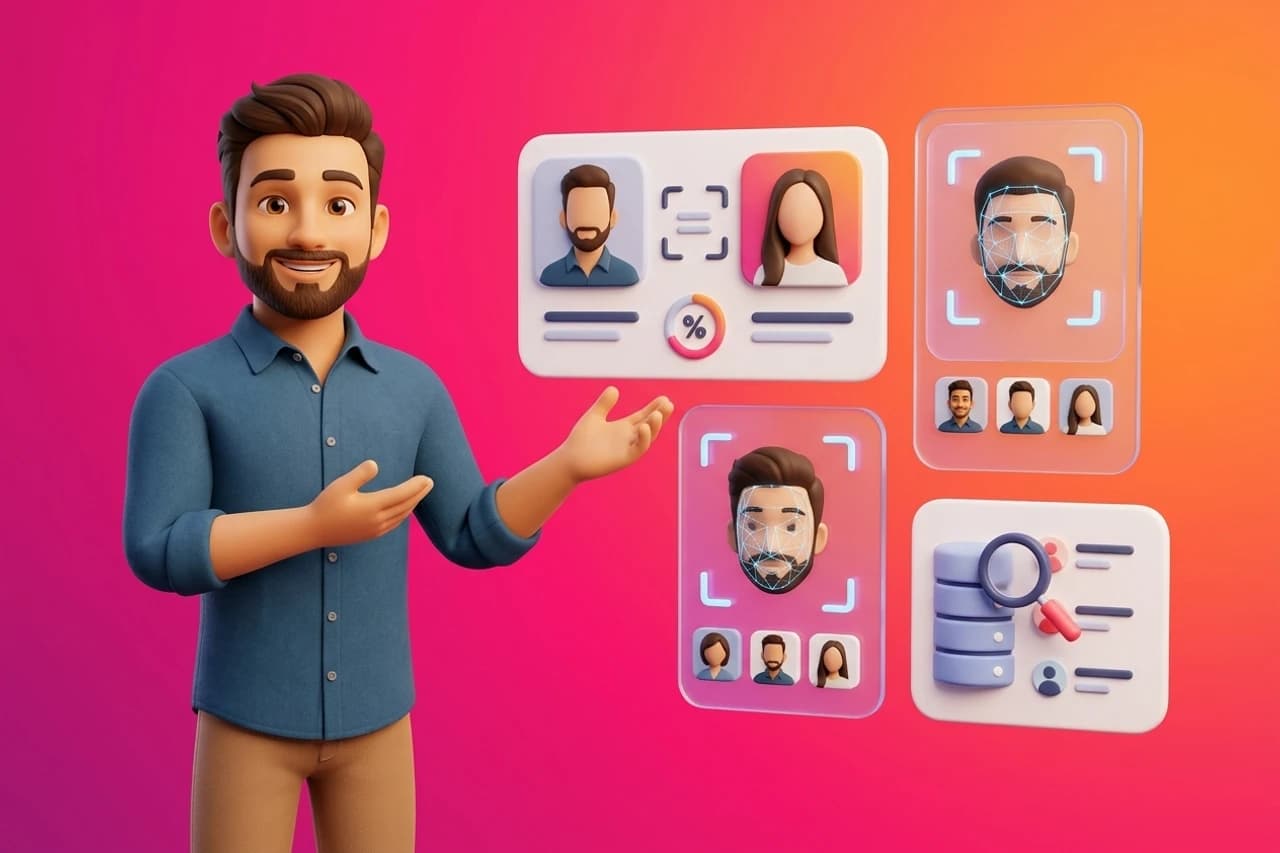
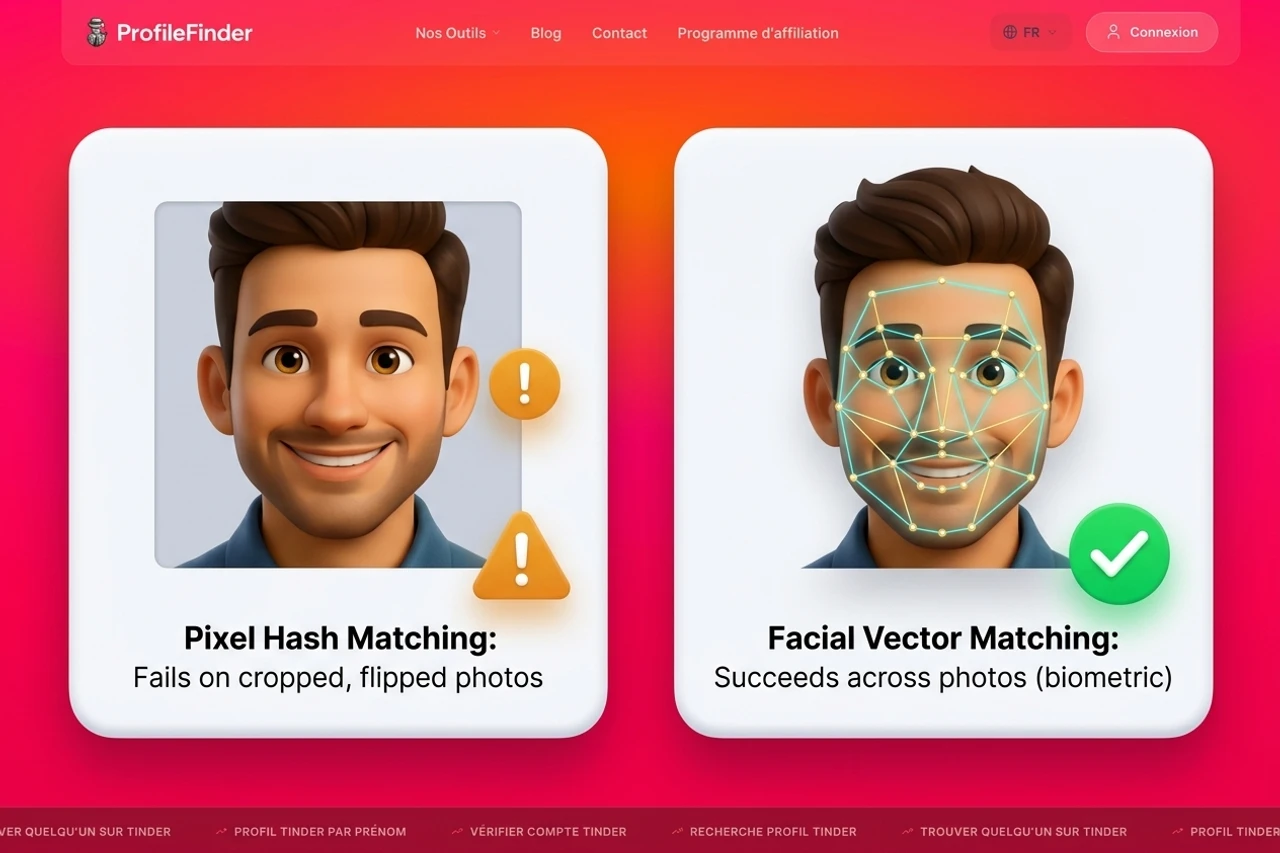
Biometric Face Search (ProfileFinder) | Extracts mathematical vectors between facial landmarks | Same person in different photos, poses, and lighting | Requires unoccluded face; ignores clothing and backgrounds | Finding where that face appears across public web sources |
Public Social Discovery (ProfileFinder) | Correlates facial vectors against discoverable public profiles | Public social accounts on Instagram, LinkedIn, and dating services | Cannot access private accounts or closed messaging feeds | Finding real public accounts when username is unknown |
Live Video Call | Real-time interactive video with motion or gesture | Live physical presence matching the photos | Requires direct cooperation from the person | Definitive confirmation of identity |
How to Verify a Suspicious Photo With ProfileFinder
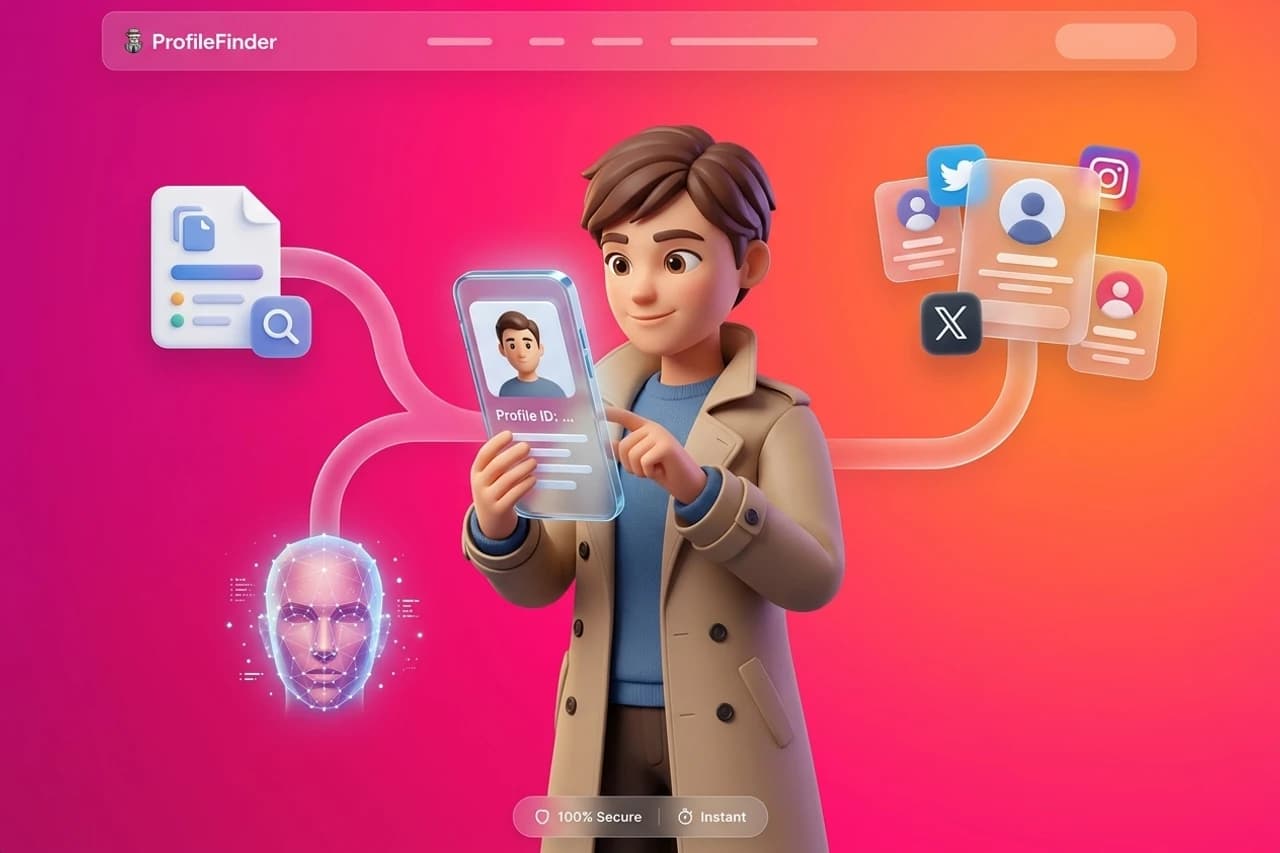
If your real goal is discovering whether a photo belongs to an active public profile or someone whose identity was stolen, ProfileFinder's face search workflow provides a structured approach. Use it as an investigative aid, not as an instant verdict. The approved product sequence below reflects the current ProfileFinder flow.
Step 1: Open ProfileFinder
Go to ProfileFinder and choose the search method matching the evidence you have. You can begin with a dedicated face search or cross-check public profiles without creating fake accounts or alerting the person you are researching.

Step 2: Upload the cleanest portrait available
Crop out chat bubbles, Instagram frames, and phone screenshot borders before uploading. Center the face so that the neural network can identify the eyes, nose bridge, and jawline without background distortion.
Step 3: Add known details to refine results
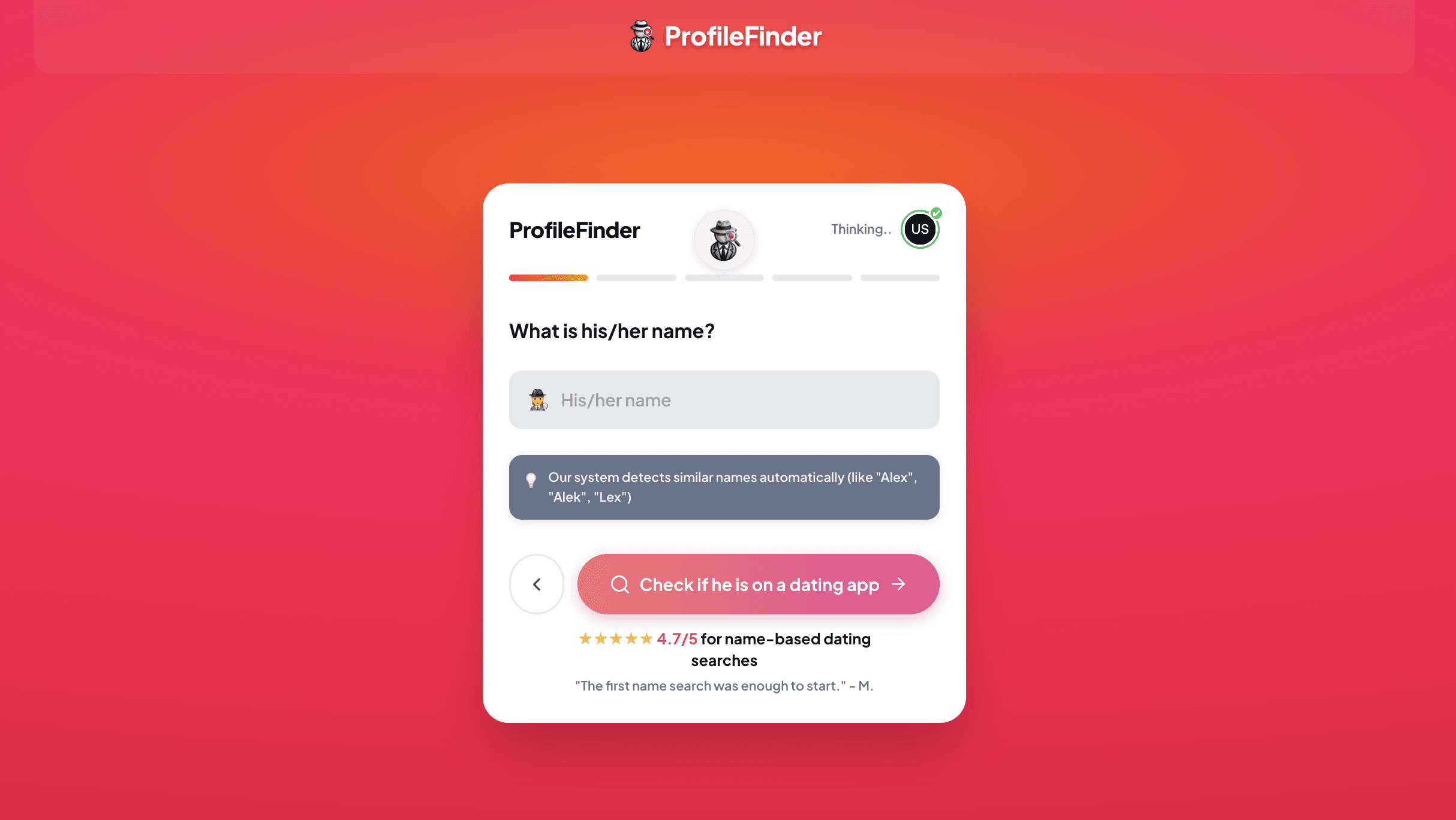
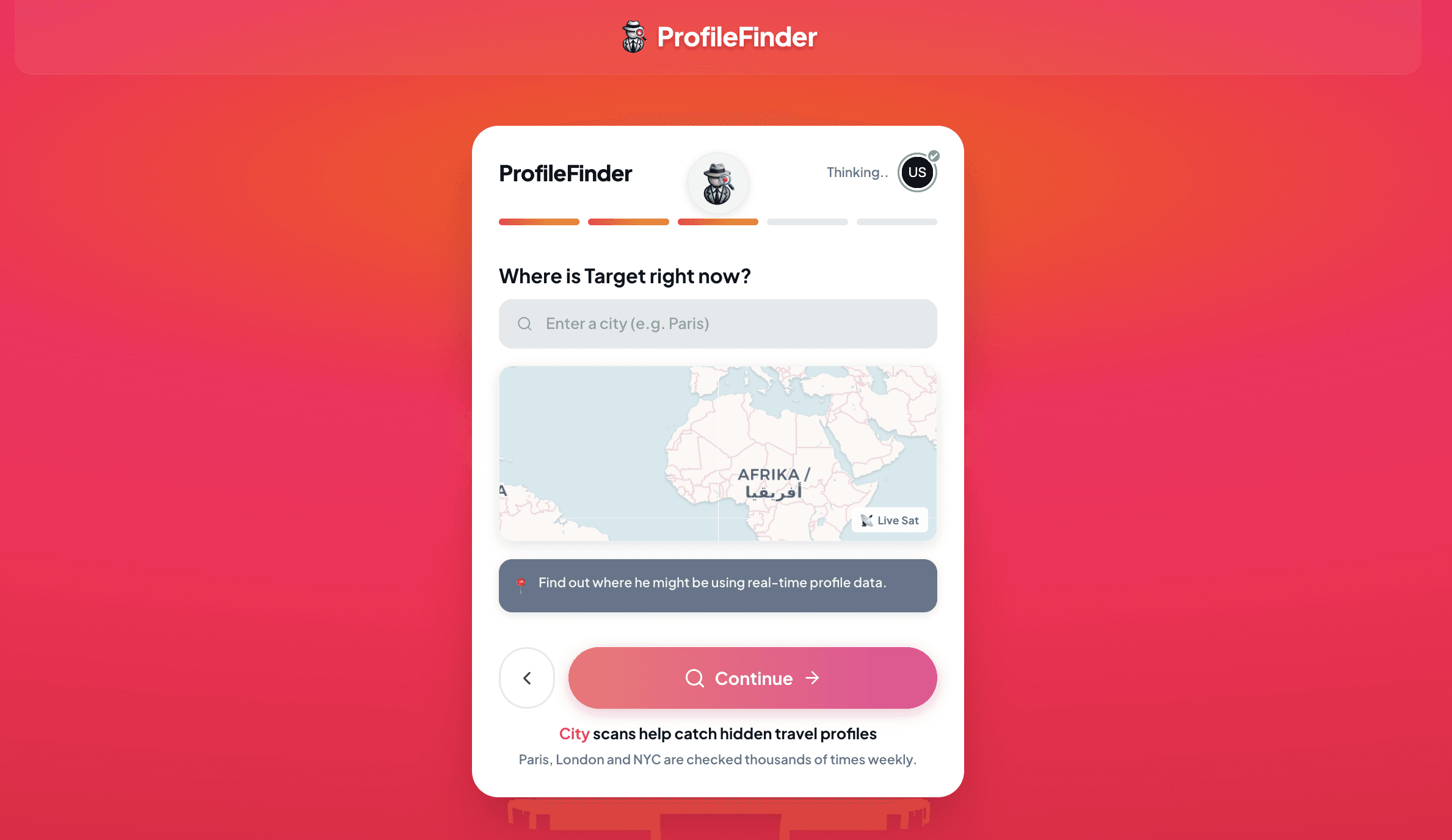
If the person gave you a first name, approximate age, or location, enter those details. This helps filter out coincidental lookalikes who live in different countries and focuses on plausible matches.
Step 4: Launch the search
Submit your photo and allow the facial recognition engine to scan discoverable public web pages. Review the privacy disclosures and access terms before proceeding to your report.
Step 5: Review possible matches and cross-check
Examine the matched profiles carefully. Compare facial geometry, name variations, account age, and the earliest date the photos were posted online. Remember that a visual match is an investigative lead, not absolute proof.

Evidence ladder: a visual match is not confirmed identity; a confirmed identity is not proof of recent activity; and discovering an impersonation account proves photo theft, not deception by the person pictured.
What an Image Search Can (and Cannot) Prove About a Catfish
A catfish image search can tell you whether a photograph exists elsewhere on the public web, whether the same face appears in other photo albums under different names, and which domains first indexed that file. It gives you raw visual leads and public source records that you can independently verify.
What an image search cannot do is prove someone's internal motives, give you access to private direct messages, or guarantee legal identity on its own. Seeing a match does not mean you have caught the person behind the screen; seeing no matches does not mean the person is telling the truth. Understanding this boundary is what separates a disciplined investigation from jumping to false conclusions.
There's also a critical human reality to keep in mind: the person pictured in a stolen photo is almost never the person chatting with you. Experienced catfishers rarely use stock images of household celebrities because anyone can spot them. Instead, they scrape photos from regional fitness influencers, travel bloggers from other countries, or everyday social media users who happen to maintain public accounts. If your search reveals that the photo belongs to an architect living in Barcelona named Sofia, you haven't caught Sofia—you've discovered that an anonymous third party is using Sofia's likeness without her knowledge.
The Three Different Search Technologies (And Which to Run First)
Most people who try to reverse search a catfish fail because they treat every image tool the same. In reality, modern search engines rely on three fundamentally different technologies to analyze pictures. Choosing the wrong tool for your specific photo guarantees a dead end.
Method 1: Exact and Visual Similarity Search
General reverse image engines like Google Lens, TinEye, and Yandex Images look at the overall image structure. They examine pixel patterns, color palettes, and file signatures. When a scammer downloads a picture directly from a public website and uploads it to a dating app without altering it, Google Lens or TinEye will often pinpoint the original source within seconds.
However, general engines struggle with faces because they aren't designed for facial recognition. If you upload a selfie to Google Lens, it often tries to identify the jacket the person is wearing, the sunglasses on their head, or the cafe in the background. If the catfish cropped five pixels off the border, added a warm Instagram filter, or flipped the photo horizontally, exact file matching usually fails.
Method 2: Biometric Face Search
Dedicated face search engines don't care about the background, the clothing, or whether the image has been flipped or filtered. Instead, their neural networks locate the face, isolate key facial landmarks—such as the distance between the pupils, the angle of the jaw, and the contour of the cheekbones—and translate those measurements into a numerical vector.
The engine then queries its database for other indexed photographs sharing a matching vector. This means a face search can connect a cropped, filtered selfie sent to you in a chat to an entirely different photo of that same individual standing at a graduation ceremony on a university website, or a candid group picture on an open blog. When dealing with a suspected catfish, biometric face search is far more powerful than basic image matching.
Method 3: Public Social Profile Discovery
The third tier connects visual evidence directly to social media footprints. When someone claims to live in your city but won't share their social media handles, a photo-led search through a tool like ProfileFinder can help uncover public social accounts associated with that face across platforms. This allows you to check whether the person's public life matches what they told you in private messages.
Step-by-Step Workflow: How to Investigate a Suspicious Profile Photo
Rushing through an image search with a blurry screenshot is the fastest way to get inconclusive results. To give search engines the best chance of finding real matches, follow this structured four-step process.
Step 1: Clean and Prepare the Source Image
Never upload an unedited phone screenshot. If you screenshot a WhatsApp chat or a dating app profile, your image file contains battery icons, clock timestamps, message bubbles, and text overlays. Search algorithms will factor those UI elements into their visual calculations, muddying your results.
- Crop tightly: Crop out all UI elements, chat boxes, borders, and watermarks.
- Center the face: Keep the head, hair, and shoulders in frame, but eliminate distracting background clutter.
- Preserve resolution: Don't downscale or re-compress the image through multiple messaging apps. Use the highest-resolution version available.
- Check for mirroring: If text on clothing or background signs appears reversed, flip the photo horizontally to its original orientation before searching.
Step 2: Start with Free Reverse Image Search
Begin with Google Lens and TinEye. These tools are free, fast, and excellent at catching sloppy catfish who copied photos from public web articles, Reddit threads, or stock photo repositories. On Google Lens, use the crop selector to drag the focus box tightly over the subject's face rather than the entire frame. If TinEye returns results, sort them by “Oldest” to find the earliest indexed occurrence of the file.
Step 3: Run a Biometric Face Search
If general tools return zero matches or only generic pictures of similar clothing, switch to a biometric search. Using ProfileFinder's dedicated face search engine, upload your prepared portrait. The algorithm isolates the facial landmarks and searches public-source web indexes for appearances of that same person across different lighting, ages, and settings. If the person has an active public digital footprint, a facial vector search is where it usually appears.
Step 4: Check Public Social Profiles
If you suspect the person is using someone else's photos to create a persona, your next priority is finding the real public account behind those photos. Run a social media search by photo or a targeted Instagram photo lookup to locate public profiles on platforms like Instagram, LinkedIn, or Twitter. Discovering the genuine owner's public profile immediately exposes the discrepancies between the catfish's fabricated story and the real person's actual life.

The Catfish Verification Ladder: From Visual Match to Contextual Proof
One of the most dangerous mistakes you can make during an investigation is assuming that any search result represents definitive proof. A single image match is a lead, not a court verdict. To evaluate what you find objectively, use what we call the Catfish Verification Ladder.
-
Level 1: File Duplicate Match (Exploratory Signal)
You find an exact match for the photo on a website. If the image appears on a stock photography site (such as Shutterstock, Unsplash, or iStock), on a promotional banner for a business, or on a news article about someone else, the profile you're talking to is virtually guaranteed to be fake. However, if the match is merely an old avatar on a forum, it simply indicates that the image has circulated online. -
Level 2: Facial Vector Match Across Multiple Unrelated Photos (Strong Visual Lead)
A face search uncovers five different photos of the same individual across three different public websites—such as a personal portfolio, a company staff directory, and an event gallery. Because these are different pictures taken at different times and angles, this proves you are looking at a real, identifiable human being. The question now shifts: is that human being the person you're talking to, or did someone steal their portfolio? -
Level 3: Metadata, Profile Longevity, and Geography (Corroborating Evidence)
Compare the factual details of the discovered public accounts with what your contact claims. Look at account creation dates: an Instagram account created in 2018 with continuous family photos and local venue tags over eight years represents an established real-life footprint. If your contact claims they are a 26-year-old nurse in Dallas, but the public account belongs to a 34-year-old fitness coach living in Melbourne, you have solid evidence of identity theft. -
Level 4: Interactive Live Verification (Conclusive Confirmation)
No automated search tool can provide 100% certainty. The only step that conclusively confirms someone is the person in their photos is a real-time, interactive video interaction. Ask them for a brief two-minute video call. If they claim their camera is broken, their connection is too weak, or their job prohibits video calls, that refusal—combined with your image search findings—gives you the answer you need.
Why "No Results" Does Not Mean the Profile Is Real
Perhaps the most common misconception in online dating is believing that if Google Lens and face search engines return zero results, the person must be genuine. In practice, receiving zero search matches proves very little. Here is why legitimate-looking catfish profiles frequently produce no results.
1. Stolen from Private Accounts
Search engines and face matching tools can only index public web pages. They cannot crawl private Instagram accounts, locked Facebook profiles, private Snapchat stories, or closed WhatsApp groups. If a catfish stole photos from a friend's private Instagram account or an ex-partner's locked photo stream, those pictures have never existed on the open web. An image search will return zero matches every single time.
2. Freshly Harvested Dating Profiles
Many catfish don't steal pictures from Google; they steal them from other dating apps in different geographic markets. A scammer operating in London might download the photos of a real user on Bumble or Hinge in Vancouver. Because dating app photo feeds are contained inside closed mobile app environments and are not indexed by web crawlers, those photos will not appear in reverse search results.
3. Intentional Image Distortion
Savvy impersonators know that basic reverse image tools exist. To bypass them, they apply subtle modifications that disrupt algorithmic matching while remaining barely noticeable to human eyes:
- Cropping 10% to 15% off the outer edges to alter the image's aspect ratio and hash value.
- Applying light color grading, saturation shifts, or subtle vignetting.
- Flipping the image horizontally.
- Taking a screenshot of a screenshot to strip all original EXIF metadata and alter compression artifacts.
4. AI-Generated Synthetic Faces
In recent years, catfishers have increasingly turned to synthetic imagery generated by tools like Midjourney, Stable Diffusion, or StyleGAN. These images depict people who literally do not exist. Because the face was synthesized from pure mathematical noise, it has never appeared anywhere else on earth. A reverse image search will return nothing because there is no prior record to find.
When inspecting a photo that produces zero search results, look closely for synthetic generation artifacts:
- Ear and earring asymmetry: Generative models frequently render earrings with mismatched shapes, or blur the cartilage structure of the ears.
- Eyeglass frame warping: Glasses often merge strangely into temple skin or have mismatched frame thicknesses on either side of the nose.
- Background incoherence: Architectural lines, street signs, and background text often dissolve into illegible, dreamlike scribbles.
- Teeth and iris anomalies: Synthetic portraits sometimes feature centered front teeth or pupils that aren't perfectly round.
How to Evaluate the Evidence Without Jumping to Conclusions
When you uncover search results that seem contradictory, take a breath before sending an accusatory message. Investigators look at the totality of evidence rather than reacting to a single data point.
First, consider the possibility of a legitimate duplicate profile. Many real people use different names or nicknames across their social accounts. A person might go by their middle name on Tinder for privacy, while using their legal first name on LinkedIn. Finding a public profile with a slightly different name does not instantly make someone a scammer.
Second, check the timeline. When were the discovered photos uploaded? If the pictures first appeared in 2024 and your contact has been sharing spontaneous daily photos matching that exact life progression, the photos may belong to them. But if you find that the very photo they sent you last night was originally posted to a travel blog in 2017, you are dealing with a clear fabrication.
Third, pay attention to behavioral red flags. An image search gives you visual leads, but human behavior gives you context. Does this person:
- Repeatedly refuse live video calls while always being available for text messages?
- Claim to be traveling abroad for emergency work, military service, or offshore contracts?
- Steer the conversation toward emotional intimacy unusually fast?
- Introduce a financial crisis, cryptocurrency opportunity, or request for gift cards?
Privacy considerations before running an image search
Investigating a suspicious profile requires handling personal data responsibly and lawfully:
- Only use photographs and profile information that you have obtained through legitimate, open interactions.
- Do not upload intimate, private, or non-consensual images into search engines.
- Never use discovered profiles to stalk, harass, dox, or intimidate either the suspect or the innocent victim whose photos were stolen.
- Understand that automated algorithms provide research leads, not judicial evidence.
How to verify a possible match
- Check the earliest upload date: Use TinEye or web archive tools to find when the photo first appeared online. Older photos are more likely to be stolen.
- Cross-reference names and handles: Look for consistent usernames across Instagram, TikTok, LinkedIn, and X.
- Examine geolocation markers: Check whether background landmarks, store signs, and weather align with the location the person claims to live in.
- Inspect friends and tagged photos: Real accounts feature natural interactions with family and friends over years; fake accounts often have few comments or exclusively generic follower pools.
- Test alternative explanations: Consider whether the person could be using a nickname or professional pseudonym before assuming malicious intent.
- Require live verification: A 2-minute video call is the ultimate test. Anyone who refuses a live video call after weeks of chatting is not showing you their real self.
What to do with an ambiguous result
If your image search returns inconclusive results—such as a single low-quality photo on an obscure forum—do not jump to conclusions. An ambiguous result simply means the internet does not have enough indexed data to confirm or refute the identity. Keep your personal and financial boundaries firm. Never send money, gift cards, or sensitive personal information to someone you have not verified in person or over live video. The FTC's consumer guidance on romance scams provides clear reporting steps if you encounter financial solicitation.
Frequently Asked Questions About Catfish Image Searches
Can someone flip or crop a photo to hide from a reverse image search?
Yes, flipping or cropping an image is effective at fooling basic tools like TinEye and older reverse search engines because it completely alters the file's hash value and pixel dimensions. However, modern biometric face search engines map structural facial geometry—such as the relative distance between your eyes, nose, and mouth—which remains largely consistent even if the image is mirrored, cropped, or slightly color-shifted.
What should I do if the image matches a public Instagram influencer?
If the photo matches an influencer, model, or creator with an active public account, you have strong proof that your contact is using stolen photos. Remember that the influencer is an innocent third party whose images were scraped without consent. Do not harass the creator. Instead, document the evidence, block the catfish on the app where you met, and report the fraudulent profile to the platform administrators.
Does running a reverse image search notify the person in the photo?
No. Reverse image searches and facial recognition lookups are completely passive and client-side. When you upload an image to Google Lens, TinEye, or ProfileFinder, no notification, ping, or alert is sent to the person pictured or to the original website where the photo was hosted.
Why did Google Lens show me clothing instead of the person's identity?
Google Lens is designed primarily as a visual shopping and object recognition engine, not a facial recognition tool. When you upload a photo of a person, Google's algorithm prioritizes identifying consumer products—such as coats, watches, dresses, and furniture—or recognizing famous landmarks in the background. To search specifically for the face, you must use a dedicated facial search engine.
Is it illegal to reverse search someone's profile picture?
No. Searching publicly available photos across open search engines and public databases is a routine form of open-source intelligence (OSINT) and personal safety verification. It does not violate privacy laws because you are only querying publicly indexed web data. However, using discovered information to harass, stalk, or dox someone is strictly illegal.
What is the most definitive way to catch a catfish?
While an image search provides crucial preliminary evidence, the single most definitive test is a live, real-time video call. Ask the person to get on a two-minute call and perform a specific, unscripted gesture (such as touching their left ear or waving). Because catfishers cannot match their stolen photos in real time, they will invariably make excuses to avoid video verification.