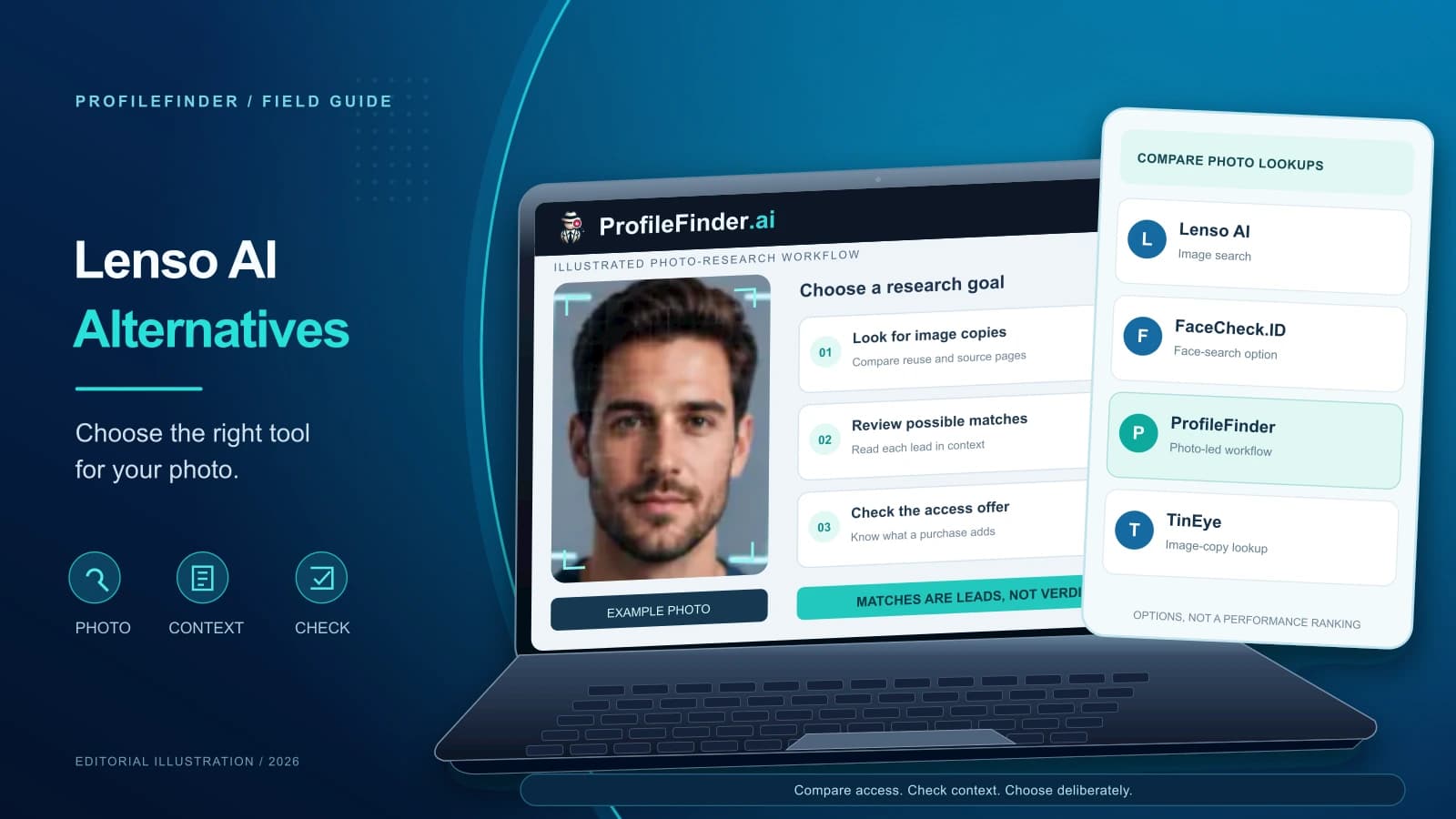
Editorial disclosure: ProfileFinder publishes this guide and provides one of the search tools discussed below. This guide focuses on search methodology and access terms to help you choose the right tool for your photo.
When looking for a Lenso.ai alternative, the best replacement depends entirely on what question you are asking of your picture. Finding an exact duplicate of a product image across web stores requires a completely different mechanism than locating a person across diverse websites or identifying a landmark.
Start by deciding what you need to find: another copy of the image, a visually related object, or possible appearances of a face. Then compare regional availability, source links, and current access terms rather than assuming every image search answers the same question.
Quick answer: If you need to trace duplicate graphics or product photos, use TinEye or Google Lens. If your goal is discovering public web mentions of a person across different photographs, run a dedicated face search with Search a Photo With ProfileFinder. Always check regional availability and source link access before purchasing any visual search plan.
What Lenso.ai Already Does (and Why Searchers Look for Alternatives)
To evaluate a viable alternative, it helps to understand how Lenso.ai approaches visual discovery. Rather than treating all images identically, Lenso describes five categories: People, Places, Duplicates, Similar, and Related, with filters and sorting options.
This categorized setup is useful for broad exploratory tasks, but users often look elsewhere for practical reasons:
- Regional feature availability: Lenso states that facial search is available only in selected regions. Check whether the People category is available where you are searching.
- Commercial access terms: Many users need direct access to source URLs rather than preview thumbnails. Reviewing current terms on the official Lenso pricing page is essential before purchasing.
Choose an Alternative by the Result You Need
Instead of searching for a one-size-fits-all engine, categorize your task by the information you need to extract from the photograph.
| Search Objective | Recommended Tool | Core Strength | Key Limitation |
|---|---|---|---|
| Duplicate & modified images | TinEye | Finds cropped, resized, or altered copies of an exact file | Cannot find the same individual in a different photo |
| Objects, products & landmarks | Google Lens | Broad consumer index for products, places, and visual text | Prioritizes visual context over facial records |
| Finding a person across different photos | ProfileFinder Face Search | Matches facial structures across public web pages | Indexes public web sources only; cannot access private accounts |
| Specialized facial indexing | PimEyes | Another option for searching indexed face appearances | Check current access terms and coverage; see our PimEyes alternatives guide |
Compare Access and Billing Terms Before Paying
Before paying for any search service, check what your chosen access option actually includes:
- Source links versus cropped thumbnails: Does the option include destination URLs, or only previews? Confirm you can inspect the original sources.
- Regional feature access: Verify that the specific search mode you require—especially facial search—is active in your region before subscribing.
- Search allowances: Check whether search credits expire at the end of the billing cycle or roll over, and whether variations consume extra credits.
- Auto-renewal and cancellation terms: Check whether the purchase renews, how to cancel, and when cancellation takes effect.
- Photo handling: Check the platform's stated policies regarding how long uploaded images are stored on servers after processing.
How to Use ProfileFinder for a Face Search Task
For a photo you are authorized to use, follow a focused public-source workflow:
- Select an appropriate photograph: Use a clear, front-facing portrait with minimal obstructions such as sunglasses or heavy filters. Ensure you have proper authorization to search the image.
- Upload to Face Search: Navigate to ProfileFinder Face Search and submit the image to scan indexed public web sources based on facial characteristics.
- Review candidate sources thoroughly: Click through to public source pages rather than evaluating thumbnails alone. Examine the surrounding context, such as author bios or public posts.
- Corroborate with independent evidence: Cross-reference image findings with independent details, such as professional affiliations or location indicators. For deeper methodology, see our guide on face search engines.
What a Match Can—and Cannot—Tell You
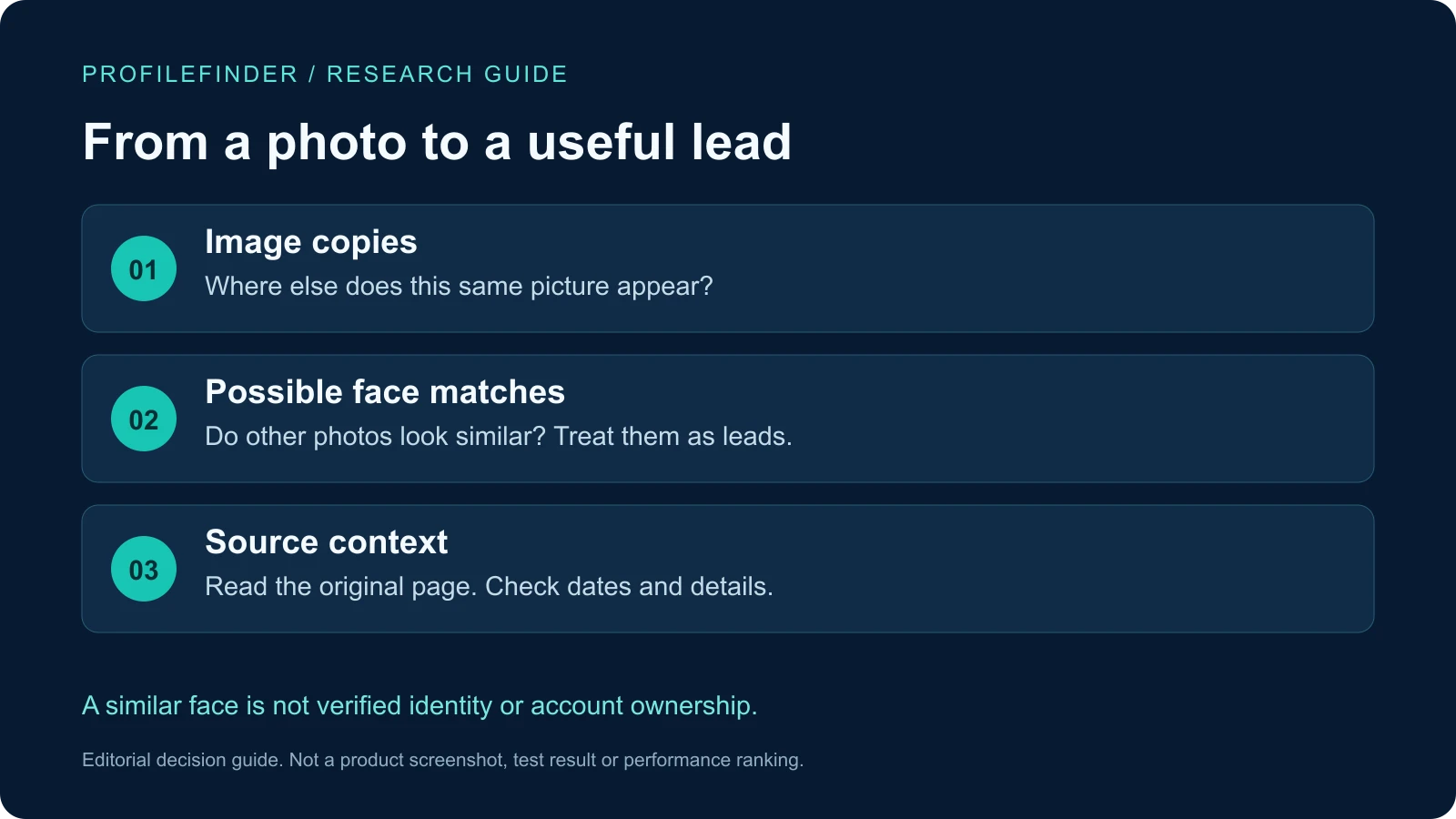
Visual search engines deliver pattern-matching indicators, not certified identities. Interpreting results responsibly requires understanding what algorithms can realistically deliver:
- The same image appearing elsewhere does not prove original creation: Finding a photo across multiple sites does not certify which site published it first. Sorting by oldest indexed appearance offers historical clues, not proof of origin.
- A facial match does not confirm legal identity: Facial recognition identifies geometric similarities between images. Algorithmic overlap can surface lookalikes, relatives, or people with similar features. Never treat a visual match as definitive proof of identity.
- Zero results do not prove an individual is absent from the web: A negative result simply means the engine did not find a match within its indexed public database. Low image resolution, privacy settings, or unindexed domains prevent crawlers from surfacing existing photos.
- A public profile match does not confirm active presence: Discovered public profiles may be abandoned or outdated. If you are investigating suspicious online personas, follow our structured catfish image search verification workflow to verify authenticity across multiple channels.
What published Lenso customer experiences add
In a paid-membership account on Reddit, the author reported finding a match through a video republished on a public site, but missing their own LinkedIn photo and a public Instagram account. That is a concrete example of uneven retrieval, not proof that any platform is always included or excluded. We obtained the indexed original-post text, not an exhaustive comment thread.
A Lenso customer-review excerpt praises its results compared with other sites while also reporting no result for the reviewer’s self-search. Positive sentiment is not the same as a relevant match. These accounts are not our paid tests; we did not verify their underlying results. For a focused alternative, start with ProfileFinder Face Search and inspect the original sources before drawing conclusions. We operate ProfileFinder, so this is our product positioning, not an independent ranking.
Frequently Asked Questions
Is there a completely free alternative to Lenso.ai?
It depends on what you want to search. For duplicate images or consumer products, TinEye and Google Lens provide free visual search tools. For face-search options, check whether free access includes usable source links or only previews; do not assume that a free upload means a free full report.
Can I use Lenso.ai for face search in the United States?
Lenso states that face-search availability varies by region. Check its official website from your location rather than assuming access throughout the United States.
Can visual search engines search private social media accounts?
Do not expect an open-web image search to access private accounts or messages. A publicly indexed copy of a photo may appear elsewhere, but that does not establish access to the private account itself.
Why did my image search return zero results?
A search may return zero results if the image resolution is too low, the face is partially obscured, or the subject's photos exist only on private networks. Try uploading a higher-resolution portrait taken from a straight-on angle with even lighting.
Choosing the Right Next Step for Your Photo
Choose copy matching for image reuse, general visual search for objects and places, or face search for possible public appearances across different photos. Judge the result by its original source, not the thumbnail alone.
Ready to explore public web appearances for your image? Start a Face Search with ProfileFinder today to review candidate matches across public web sources.