
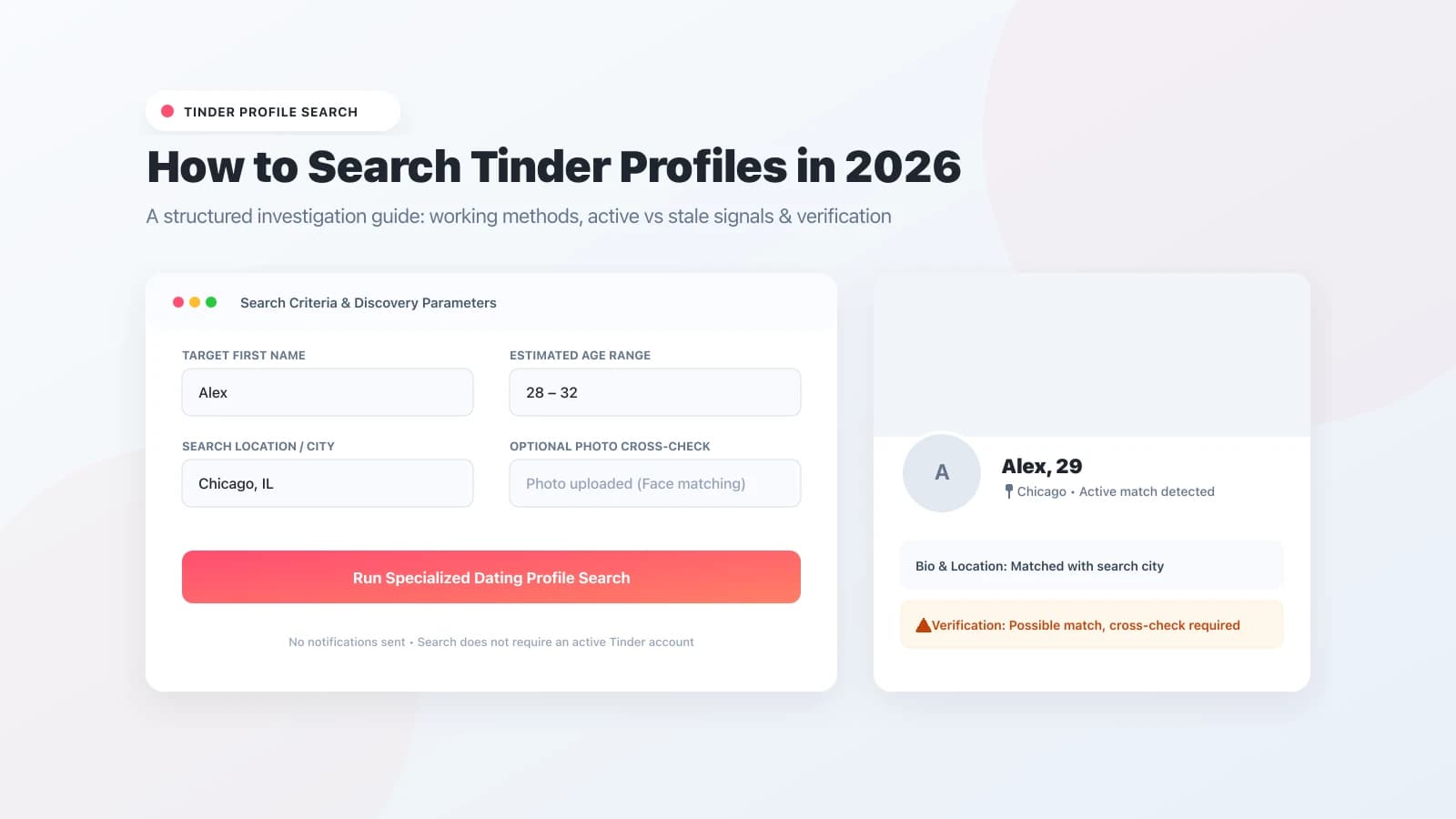
If you need to perform a Tinder profile search in 2026, you will quickly encounter Tinder's primary architectural design: the platform does not include a public search bar or directory search feature to look up someone by name.
Unlike traditional social media networks where accounts are indexed alphabetically or by user handles, Tinder relies on a localized discovery feed governed by location distance, age preferences, and algorithmic recommendation scoring.
However, when personal doubts, safety concerns, or relationship verification require finding out if a specific person has an active Tinder presence, several reliable external and technical methods exist. Understanding how these methods work—and their critical limitations—is essential before drawing hasty conclusions.
Editorial disclosure: ProfileFinder.ai publishes this research guide and operates its own specialized dating profile search technology. Our reviews and comparisons below focus strictly on verifiable platform behaviors and search realities without publishing unverified accuracy scores.
Quick Answer
To do a Tinder profile search without an account in 2026, the most effective approach is using a specialized dating search engine like ProfileFinder.ai, testing direct web URLs (tinder.com/@username), or using targeted Google search operators (site:tinder.com "First Name" "City").
Because Tinder does not offer an internal member search, manual swiping through thousands of profile cards is geographically limited and inefficient. Crucially, locating an existing profile proves that an account was created, but does not automatically prove recent swiping activity or infidelity without verifying recent profile updates.
Why Searching Tinder Directly Is Restricted
To evaluate someone's Tinder presence, it helps to understand why the app restricts direct account lookups:
- No Public Member Directory: Tinder's interface is built around two-way mutual matching. Users cannot browse a directory of members or search profiles by email, phone number, or full legal name inside the app.
- Dynamic Geo-Location Fencing: The card stack shown to any user is bounded by physical GPS coordinates and distance radii (from 1 to 100 miles). If you are in New York and the person is in Chicago, your native discovery stack will never display them unless you pay for Tinder Passport.
- Algorithmic Activity Deprioritization: Tinder's recommendation engine heavily deprioritizes inactive profiles. Accounts that have not logged in for over seven days are pushed to the absolute bottom of the discovery deck, meaning manual swiping rarely uncovers dormant accounts.
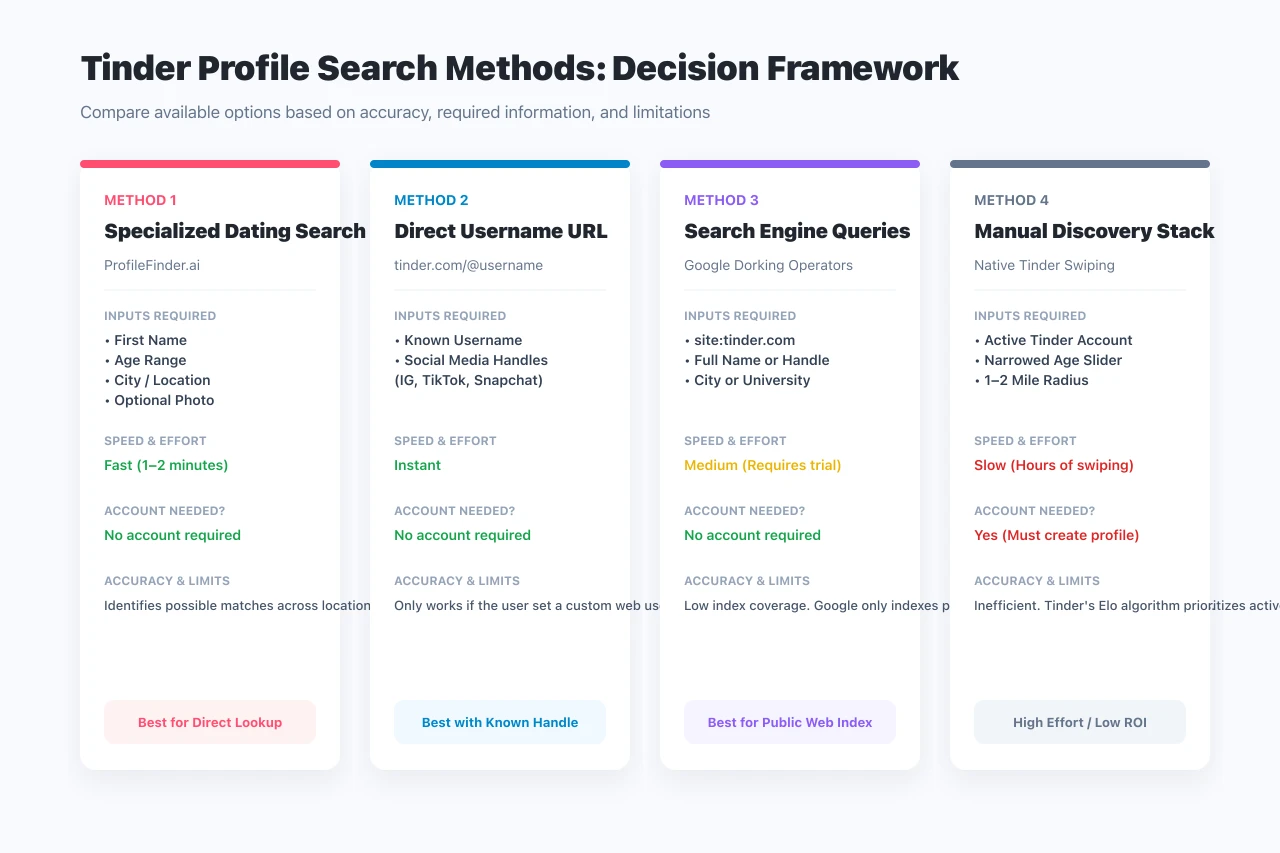
Method 1: Specialized Dating Profile Search (ProfileFinder.ai)
For users who want to search for a Tinder profile without creating a personal dating profile or linking their own phone number, specialized dating search engines offer the most direct workflow.
ProfileFinder indexes public dating profile footprints and cross-references them against targeted identifying parameters.
How to Execute a Tinder Search with ProfileFinder
Searching for public Tinder and dating profiles with ProfileFinder follows a structured 4-step workflow:
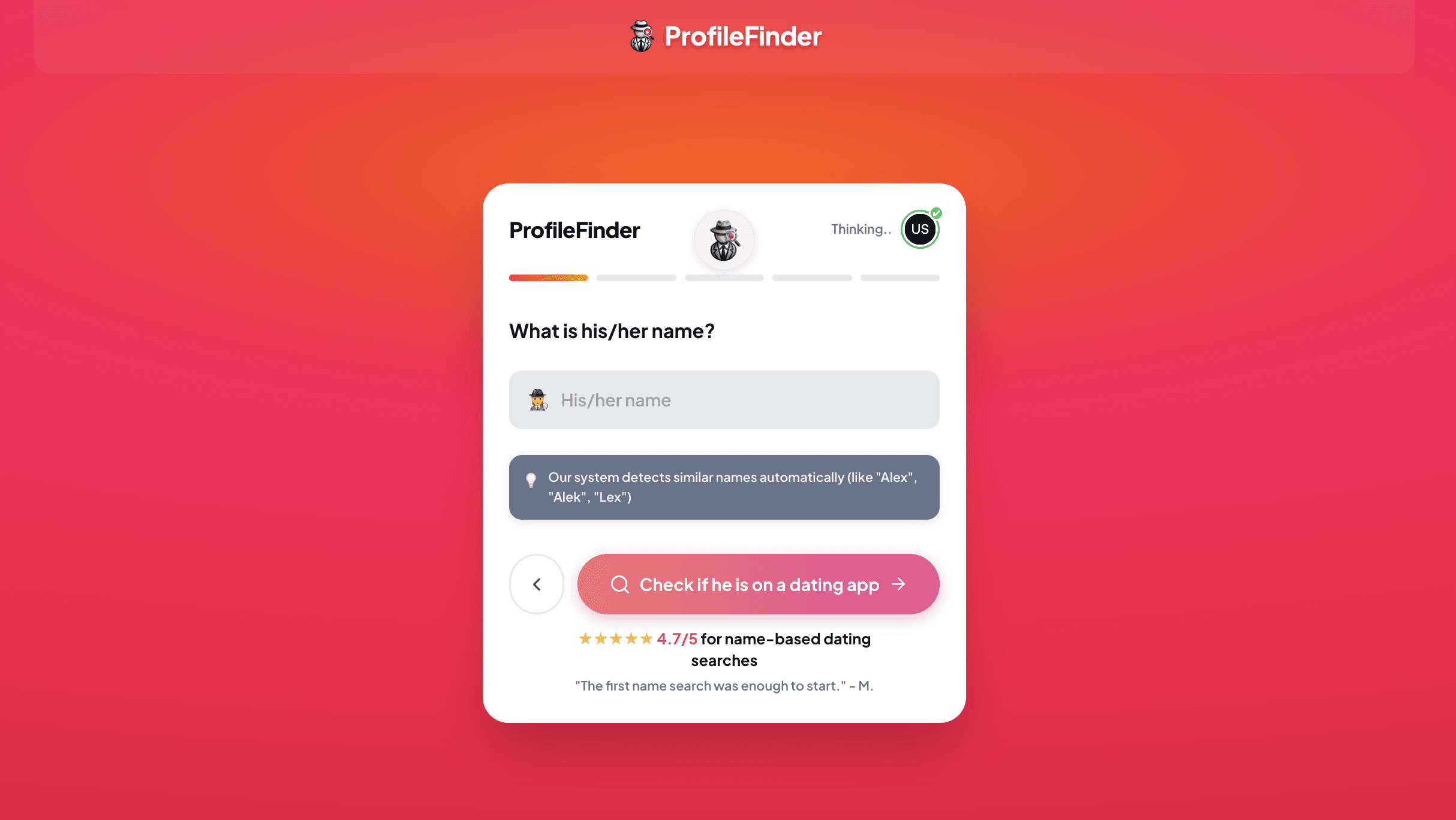
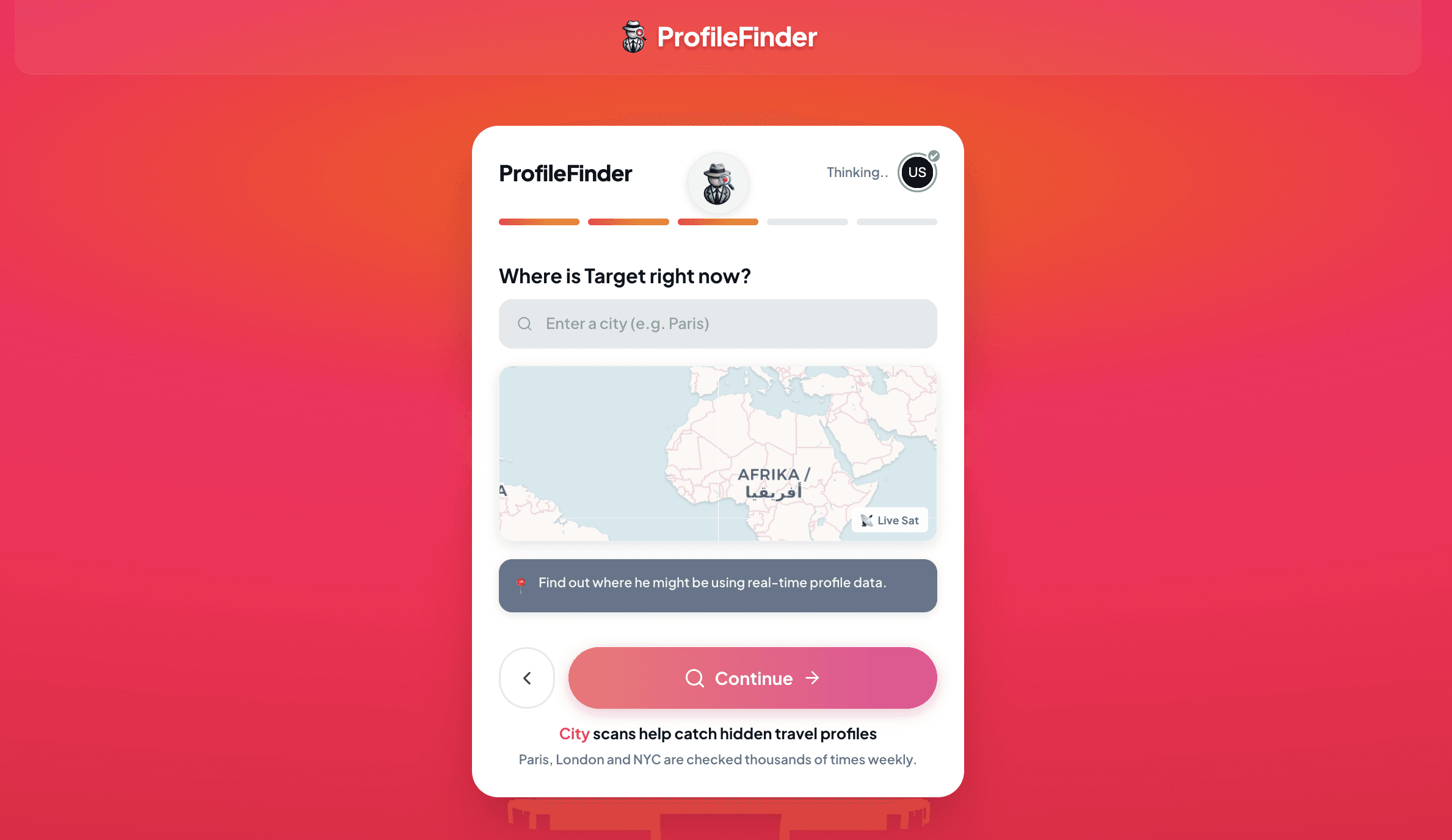
Step 1: Enter Demographic and Geographic Parameters: Enter the person's first name, approximate age range, and city or metropolitan area. ProfileFinder allows you to adjust location boundaries to inspect home, office, and frequent travel corridors.
Step 2: Multi-Platform Simultaneous Search: The search engine simultaneously queries publicly broadcast profile decks across multiple major dating ecosystems, including Tinder, Bumble, Badoo, and Hinge, without requiring you to create an account on each app.
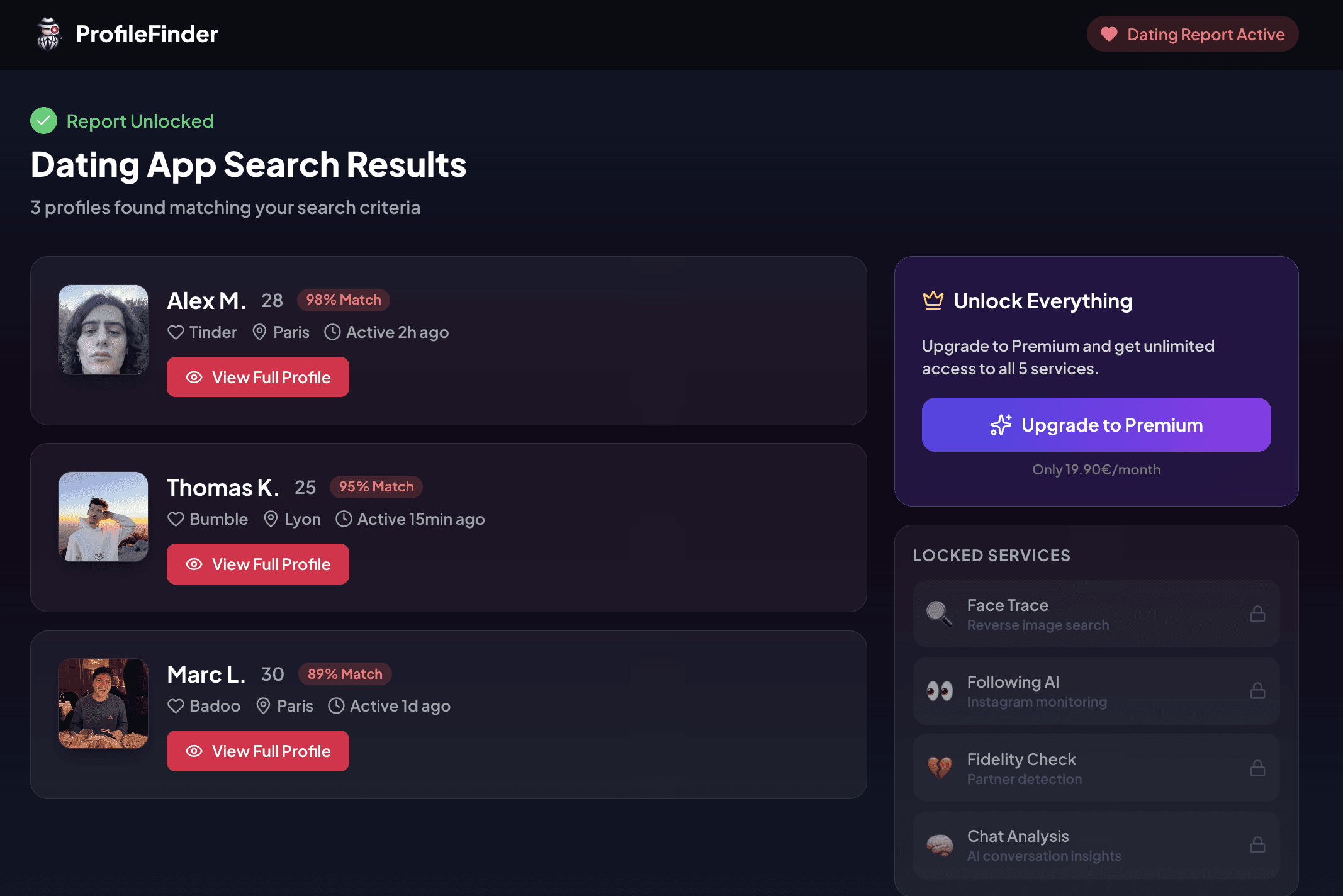
Step 3: Review Matched Profiles and Match Confidence: Search results present candidate profile matches with clear confidence metrics, comparing profile photos, stated ages, occupations, and geographic markers so you can evaluate candidates methodically.
Step 4: Detailed Profile Inspection and Safe Verification: Inspect bio details, connected social media integrations (such as Instagram or Spotify), and photo timestamps to verify whether a profile is an authentic, current account or an outdated ghost profile.
Method 2: Direct Username URL Lookup (tinder.com/@username)
Tinder enables web-based public profile sharing via dedicated web URLs formatted as tinder.com/@username. If a user sets a custom username in their profile settings, their profile card renders directly in any web browser without requiring a login.
Because people frequently reuse digital handles across multiple social platforms, you can test handles gathered from:
- Instagram usernames
- TikTok handles
- Snapchat display names
- Venmo public handles
- Gaming tags or personal email prefixes
If the user registered that exact handle on Tinder, typing https://tinder.com/@targetusername into your browser address bar will resolve directly to their web profile card, displaying their primary photos, age, verified badge status, and bio snippet.
Limitation: If the person never claimed a custom web username or used a randomized string, direct URL navigation will return a 404 page.
Method 3: Targeted Search Engine Operators (Google Dorking)
Google periodically crawls and indexes public web pages from tinder.com. Using targeted search operators allows you to query Google's index for specific names associated with Tinder.
Recommended Search Syntax
Enter the following query structures into Google:
site:tinder.com "First Name" "City"
site:tinder.com "First Name" "University"
site:tinder.com/@username
site:tinder.com inurl:@ "First Name"
Example: Searching site:tinder.com "David" "Denver" "Architect" instructs Google to return indexed Tinder web pages containing those specific keywords.
Limitation: Tinder is built as a dynamic client-rendered single-page application. Most active profiles are excluded from Google's index by robots instructions or dynamic rendering barriers. A missing Google result does not prove the absence of a Tinder profile.
Method 4: Discovery Calibration (The Native Workaround)
If you or an authorized confidant already possess an active Tinder profile, you can narrow Tinder's native discovery parameters to isolate the target individual in the card stack.
Calibration Workflow
- Isolate Age: Go to Settings > Discovery Preferences and set both the minimum and maximum age sliders to the exact age of the person (e.g., exactly 29 to 29).
- Minimize Distance: Drop the distance slider to 1 or 2 miles while physically located near the person's residence or office.
- Set Gender Preferences: Select only the gender orientation matching their dating preference.
Why this method has low return on investment: Even with tight calibration, Tinder's matching algorithm mixes popular Boosted profiles, sponsored profiles, and accounts based on mutual swipe scores. Furthermore, if the person has turned off “Show me on Tinder” in settings, they will never appear in the stack regardless of hours spent swiping.
Comparison of Tinder Profile Search Methods
Search Method |
Inputs Needed |
Account Needed? |
Speed & Effort |
Coverage Scope |
|---|---|---|---|---|
Specialized Search (ProfileFinder) |
First name, approximate age, city |
No account required |
1–2 minutes |
Broad cross-platform dating search |
Direct Web URL ( |
Known social media handle |
No account required |
Instant |
Only works if exact handle was claimed |
Google Search Operators |
|
No account required |
5–15 minutes |
Limited to publicly indexed web profiles |
Discovery Stack Calibration |
Active Tinder account, exact age, tight radius |
Active Tinder account required |
Several hours |
Limited by local deck algorithm |
Information Gain: Active Swiper vs. Stale Profile Indicators
One of the most consequential mistakes in dating-profile investigations is assuming that finding an existing profile proves current cheating or active swiping.
Many people uninstall the Tinder app from their smartphone without deleting their actual account. When an app icon is deleted, the underlying Tinder account remains saved on Tinder's servers indefinitely.
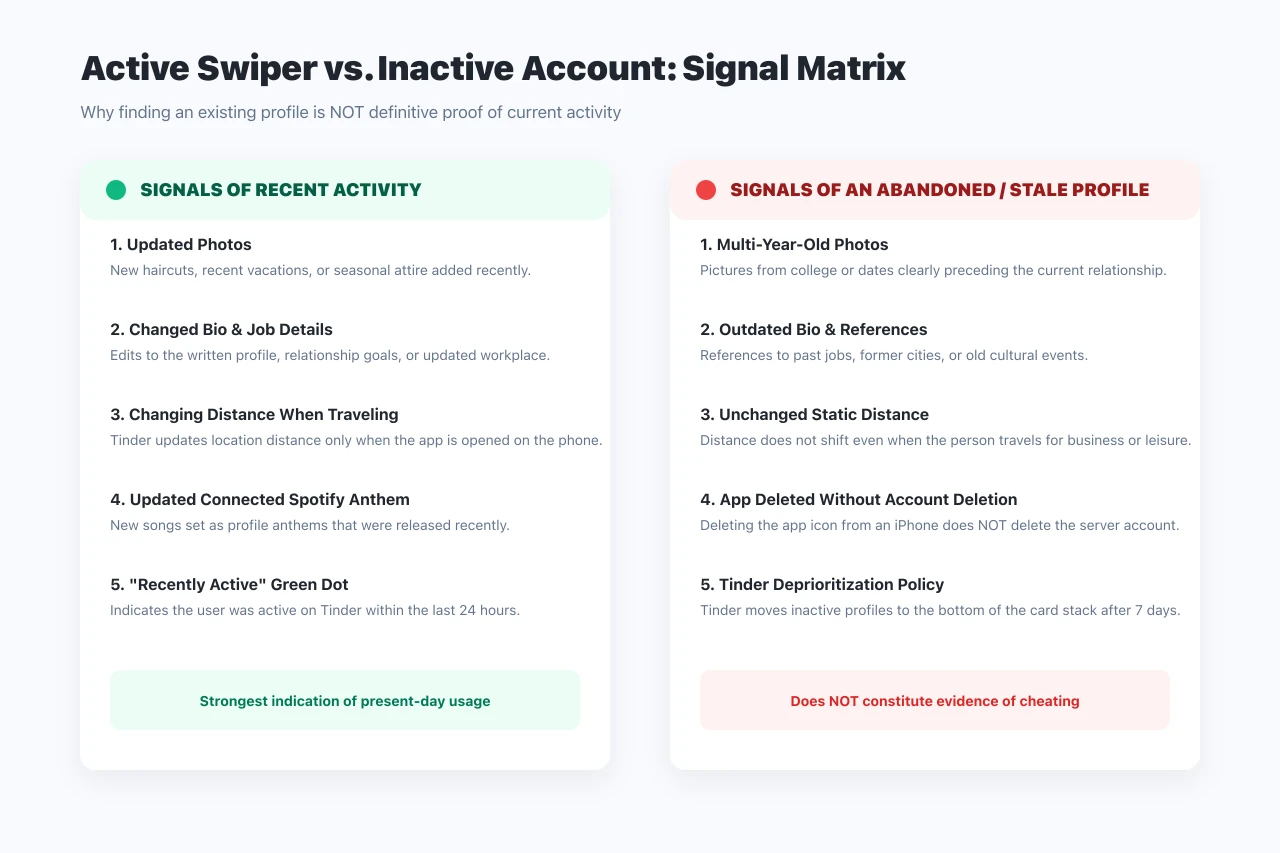
Profile Element |
Sign of Recent Activity |
Sign of an Abandoned / Stale Profile |
|---|---|---|
Photographs |
New photos showing recent trips, haircuts, or current seasons |
Photos clearly dating from years prior to the relationship |
Biographical Details |
Updated job title, new city mentions, or revised prompts |
References to past universities or former employers |
Location Distance |
Distance recalculates when the person travels |
Static distance that never shifts when traveling |
Connected Spotify Anthem |
Track updated to a song released in the past few months |
Vintage playlist or unchanged anthem from 2021 |
Activity Indicator |
“Recently Active” indicator present |
No activity badge displayed |
The Verification Framework: What a Result Actually Proves
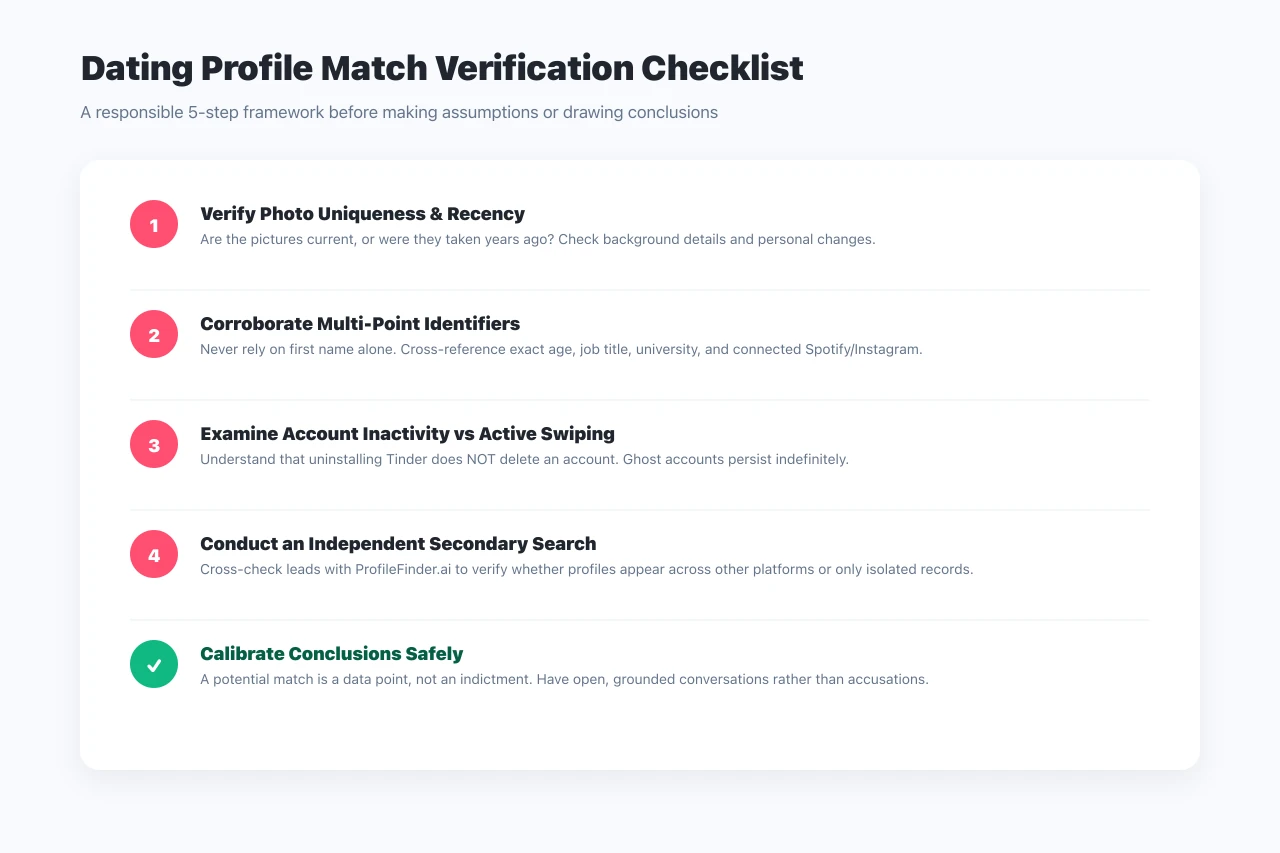
Responsible research requires distinguishing between four fundamentally different stages of evidence:
- Possible Match: A profile sharing the same first name and city exists. In metropolitan areas, dozens of people share common names.
- Confirmed Identity: Unmistakable current photos, exact age, employer, and mutual social connections prove the account belongs to the specific individual.
- Active Account Status: Verifiable recent changes (new photos, travel-updated distance) confirm the profile was accessed recently rather than abandoned years ago.
- Relationship Meaning: Technical tools surface profile presence; they cannot explain intent, agreements, or relationship boundaries.
Privacy, Safety & What Tinder Doesn't Tell You
When conducting a search, keep the following security and platform facts in mind:
- Does Tinder Notify on Screenshots? No. Tinder does not notify users when someone takes a screenshot of their profile, bio, or photos.
- Beware of Spyware Scams: Never download unofficial “Tinder spy apps” that ask for your personal credentials, credit card details, or device access. These tools violate app store security policies and frequently install malware.
- Tinder's Account Pause Feature: Tinder offers an official setting called “Show me on Tinder” (turning off Discovery). When turned off, existing matches can still message the user, but the profile is completely hidden from new swipers.
Frequently Asked Questions
Can you search Tinder without an account?
Yes. While Tinder's native app does not offer an in-app search bar for unregistered visitors, external specialized lookup engines like ProfileFinder.ai, direct URL testing (tinder.com/@username), and Google search queries allow you to check for profiles without registering.
Can I search Tinder profiles by full name?
Tinder only displays first names publicly. Searching by full legal name directly on Tinder is not supported. However, specialized search engines cross-reference first names with location, age, and social markers to filter candidates.
Does Tinder delete inactive profiles automatically?
Tinder does not immediately delete inactive profiles. Instead, Tinder deprioritizes accounts that have been dormant for more than seven days, pushing them to the bottom of the card stack so active users rarely see them. Accounts are generally retained on Tinder servers until the user manually deletes them or after prolonged multi-year dormancy.
How do you know if a Tinder profile is currently active?
Signals of active use include recently updated photos, changes in bio text or occupation, an updated Spotify anthem, or location distance that shifts dynamically when the person travels. If a “Recently Active” status is displayed, the user was active within the last 24 hours.
Will someone know if I searched for their Tinder profile?
No. External search tools, Google searches, and visiting a public web link (tinder.com/@username) do not send notifications or alert the account holder.
Does Tinder notify someone if you take a screenshot of their profile?
No. Tinder does not have screenshot detection and will not notify profile owners if you capture their bio, pictures, or chat messages.
Can you find someone on Tinder by phone number?
Tinder does not have a public phone number lookup directory. Users can upload contacts to Tinder to block specific phone numbers from appearing in their deck, but you cannot enter a phone number to reveal an associated Tinder profile.
What is the difference between a possible match and proof of cheating?
A possible match indicates that an account exists with matching criteria. It does not prove the account belongs to the person without visual verification, nor does it prove recent activity if the account was simply abandoned when entering a relationship. Verified evidence requires multiple corroborating details.