Ever opened someone's Instagram Following list and wondered who they followed last?
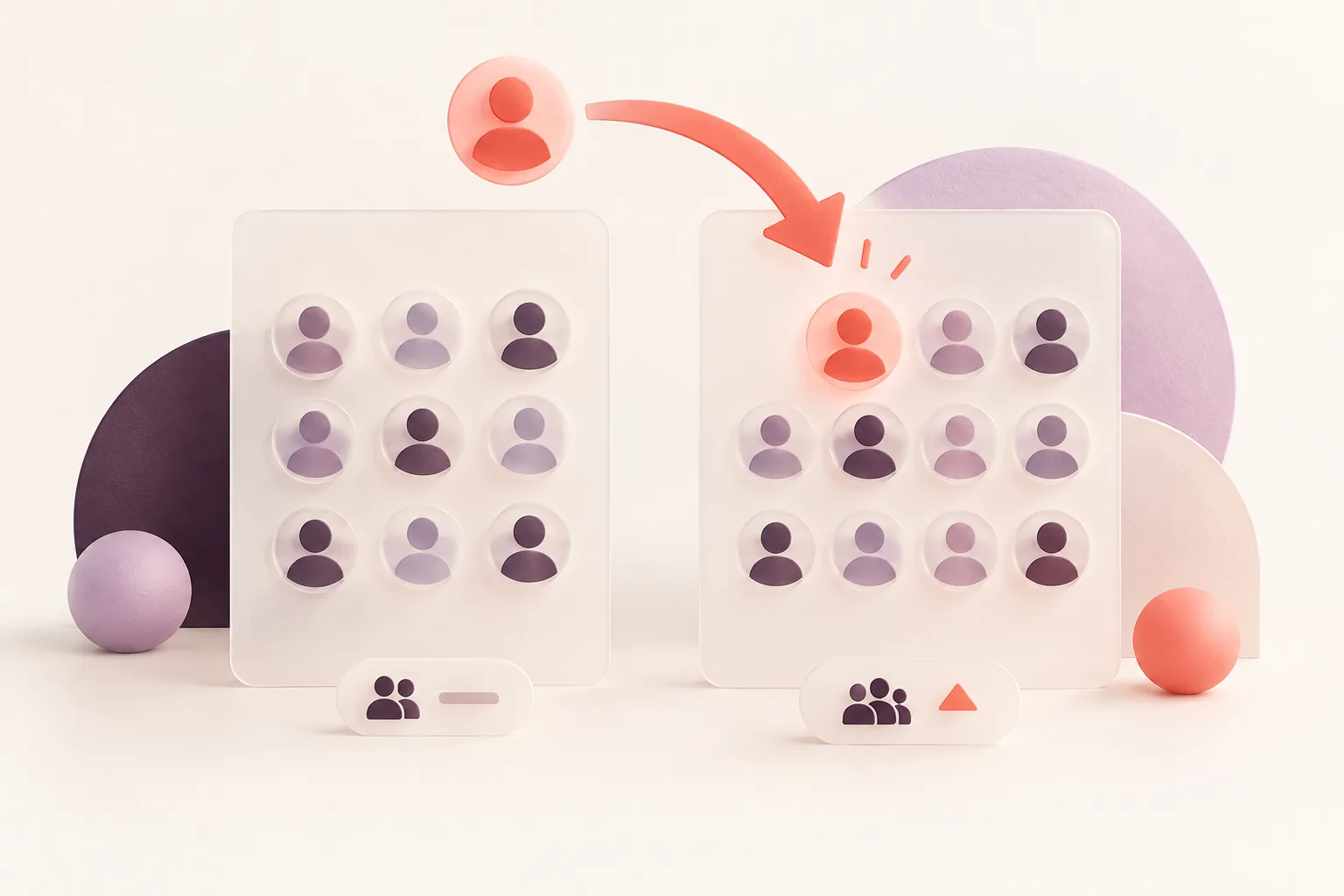
At first, it seems straightforward. Open their profile, tap Following, and look at the first few names. The problem is that Instagram doesn't necessarily display those accounts in the order they were followed.
If you're trying to see recent following on Instagram for free, understanding this difference can save you a lot of time — and prevent some completely wrong conclusions.
This guide covers five methods, what each method can reveal, and when a dedicated follower tracker becomes useful.
Quick Answer: Can You See Recent Following on Instagram for Free?
You can view the accounts a public Instagram profile follows for free. However, Instagram doesn't provide a reliable newest-first view of another person's Following list.
For your own account, Instagram generally offers a Date Followed sorting option. For someone else's account, the visible list order isn't a dependable history of recent follows.
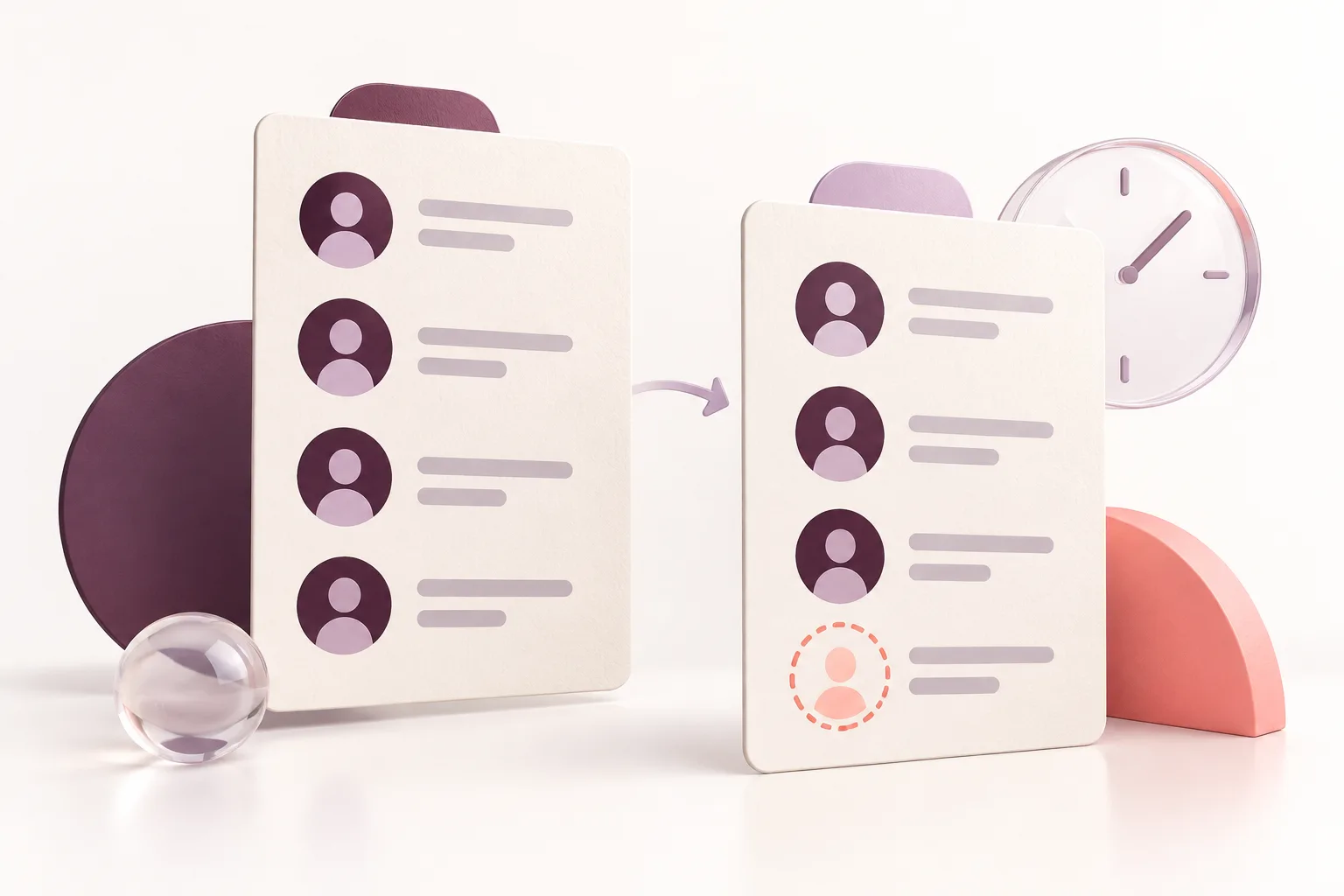
To identify new follows over time, you need two comparable lists captured at different dates.
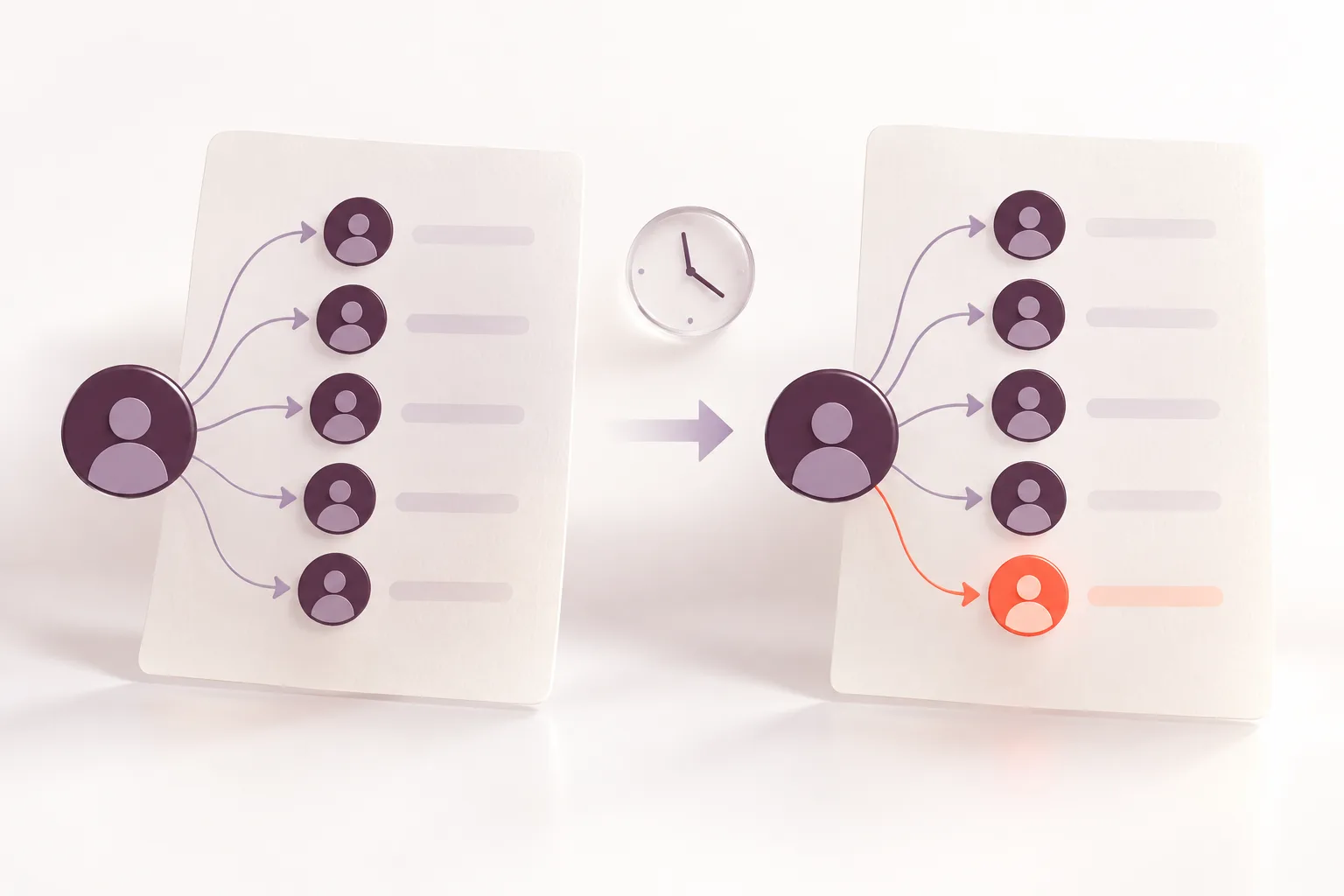
That's how an Instagram Following Tracker works: it monitors a public account, records a baseline and compares it with later snapshots.
The important distinction: A newly detected follow is not necessarily a follow made today. It means the account appeared between two successful checks.
1. Check Instagram's Following List Manually
The simplest method costs nothing.
Open Instagram.
Search for the person's username.
Open their public profile.
Tap their Following count.
Browse or search the accounts they follow.
This tells you which accounts are visible in their current Following list.
It does not reliably tell you when each follow happened.
Why the first account isn't necessarily the newest
Instagram can arrange Following lists using relevance and other signals. Mutual connections and the viewer's relationship to accounts may affect what appears near the top.
The exact ranking formula isn't public.
An account moving from position 20 to position 2 doesn't prove that someone followed it again.
Best for: Quickly checking whether a particular public account is followed.
Limitations: No dependable dates, no chronological history and potentially long lists to browse.
2. Sort Your Own Following List by Date
If you're looking for accounts you personally followed recently, Instagram offers a much better option.
Open your Instagram profile.
Tap Following.
Look for the sorting control near the top.
Choose Date Followed: Latest.
You should then see your own followed accounts in a more useful chronological arrangement.
Depending on your app version, the wording and position of the control may vary.
Unfortunately, this feature generally isn't available when viewing someone else's profile.
That creates the distinction behind most searches for "recent following Instagram free": sorting your own account and analyzing another account are different tasks.
3. Compare Two Following Lists
This is one of the most useful genuinely free approaches when you only need occasional checks.
Imagine a public account follows 420 people on Monday.
You record that list.
On Friday, the same account follows 424 people.
The number increased by four, but that alone doesn't identify exactly which accounts were added.
To find out, compare the two complete lists.
For example:
| Monday snapshot | Friday snapshot |
|---|---|
| @alex | @alex |
| @jordan | @jordan |
| @taylor | @taylor |
| — | @casey |
In this simplified example, @casey appears in the second list but not in the first.
That makes @casey a newly detected follow between Monday and Friday.
However, a follower count increasing by four doesn't necessarily mean exactly four accounts were added. Other accounts may have been unfollowed in the same period.
The biggest limitation of manual comparison
Instagram doesn't provide a convenient public export button for another person's complete Following list.
Manually recording hundreds of usernames is slow, and partial screenshots aren't enough to prove which accounts changed.
If you cannot capture two complete lists reliably, your conclusions will be incomplete.
What We Can Actually Verify About Recent Instagram Follows
The most important limitation of a free recent-following method is not the price. It's the quality of the historical evidence.
Consider an illustrative example involving a public Instagram account:
| Observation | October 1 | October 8 |
|---|---|---|
| Total following | 420 | 423 |
| @alex | Present | Present |
| @jordan | Present | Present |
| @morgan | Absent | Present |
| @casey | Present | Absent |
If both snapshots are complete, @morgan is a newly detected follow and @casey is a detected removal.
But the total following count increased by only three. That number alone cannot identify the underlying changes.
What the comparison proves: The accounts were present or absent at specific observation times.
What it doesn't prove: The exact time someone followed, whether they exchanged messages, or whether an account briefly appeared between checks.
How Automated Monitoring Differs
ProfileFinder's Instagram Following Tracker documents a snapshot-based process. Its current product page advertises four scheduled analyses per week, approximately 42 hours apart, for eligible public accounts.
This makes it more suitable for recurring change detection than manually checking a list once every few weeks.
However, someone could follow and unfollow an account entirely between two checks. That temporary connection might never be recorded.
Sources and Methodology
This guide distinguishes what can be inspected directly in Instagram from what requires historical observations. The explanation of ProfileFinder's monitoring schedule and account eligibility is based on its published product documentation.
The example above is illustrative, not a result from a monitored real person.
4. Use a Dedicated Instagram Following Tracker
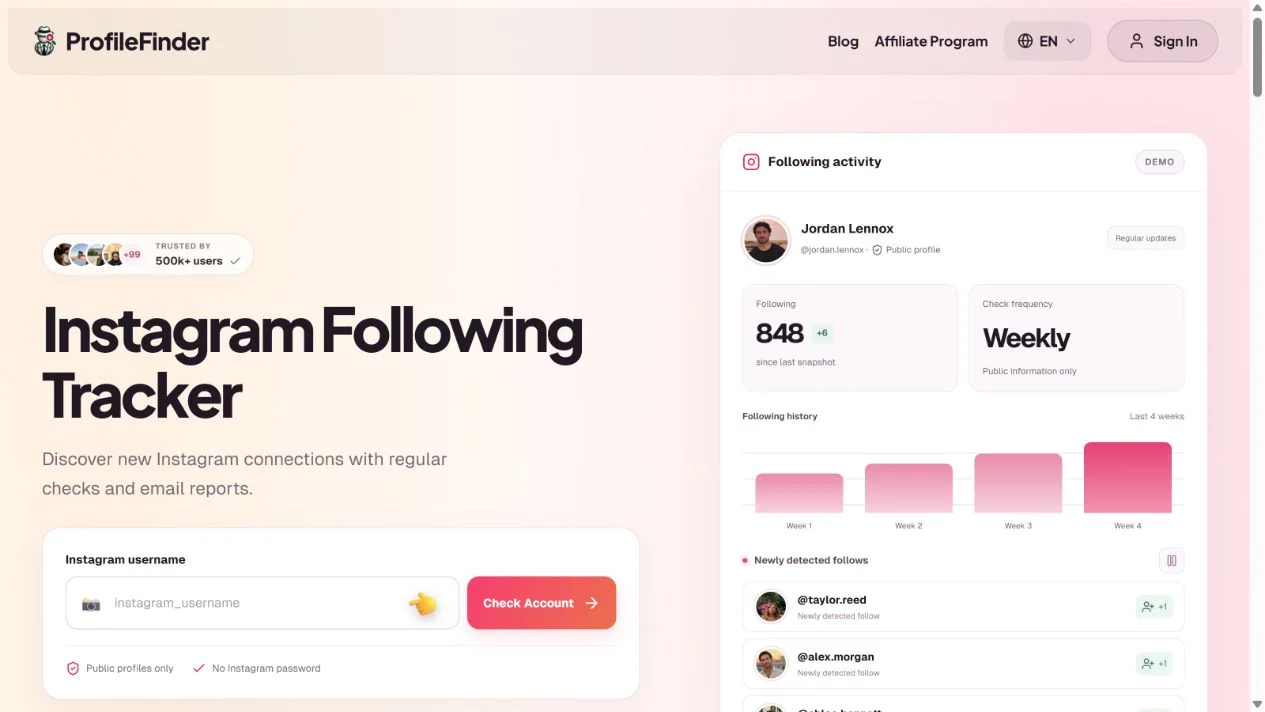
If you want regular checks without manually comparing lists, a monitoring tool is more practical.
ProfileFinder's Instagram Following Tracker is designed for this specific use case.
It monitors publicly visible Instagram Following lists and identifies changes between successful snapshots.
Step 1: Enter the Instagram username
Open the Following Tracker and enter the public Instagram username.
You don't need the person's Instagram password.
Step 2: Check whether the account is supported
ProfileFinder currently supports public profiles with fewer than 30,000 followers.
The initial account check displays basic profile information and counters before activation.
Step 3: Activate monitoring
The current plan is $9.90 per week for one supported public profile.
The first successful complete analysis establishes a reference list.
Step 4: Review detected changes
Later regular checks compare the new Following list with the previous complete list.
Accounts appearing in the newer list are identified as newly detected follows.
Step 5: Review your dashboard and email updates
Instead of reopening Instagram repeatedly, review the detected changes through the dashboard and email reports.
Important: ProfileFinder cannot reconstruct every follow made before monitoring began or guarantee detection of activity that happened and disappeared between checks.
5. Use a Spreadsheet for Free Long-Term Tracking
If you only monitor your own lists or have legitimately obtained complete lists, a spreadsheet is a useful alternative.
Create columns for:
Instagram username
Date of first snapshot
Date of latest snapshot
Present in first list?
Present in second list?
Change detected
You can then compare the usernames using standard spreadsheet formulas.
This method is transparent and inexpensive.
However, it requires a dependable way of collecting complete lists, and it doesn't solve Instagram's limits on what can be exported from someone else's account.
Which Method Should You Choose?
| Method | Free | Works for someone else's public account | Detects changes over time |
|---|---|---|---|
| Instagram Following list | Yes | Yes | No |
| Your own Date Followed sort | Yes | No | Shows your own history |
| Manual list comparison | Yes | Only if complete lists are available | Yes |
| Spreadsheet comparison | Yes | With legitimate source lists | Yes |
| ProfileFinder Following Tracker | Paid monitoring | Yes, supported public profiles | Yes |
If you only want to confirm whether one person currently follows a particular account, Instagram itself may be enough.
If your question is "Who did this person start following recently?", comparing snapshots is more meaningful than relying on list order.
What a New Follow Does — and Doesn't — Tell You
A newly detected follow is a factual change in a visible list, not a complete explanation of someone's behavior.
It doesn't prove that the person:
Sent a direct message
Liked someone's photos
Started a relationship
Visited that profile
Followed the account at an exact time
People follow friends, businesses, creators and unfamiliar accounts for many reasons.
Use follower changes as information, not as proof of someone's intentions.
Frequently Asked Questions
Can I see who someone recently followed on Instagram for free?
You can view their current public Following list for free. Identifying newly added accounts requires comparing reliable snapshots taken at different times.
Does Instagram show someone's most recent following first?
Not reliably. The order shown on another person's Following list shouldn't be interpreted as a chronological timeline.
Can I see the exact time someone followed an Instagram account?
Instagram generally doesn't display exact follow timestamps for another person's account. A snapshot tracker identifies when a change was detected, not necessarily when the follow happened.
Can I track a private Instagram account?
A public-data tracker cannot bypass private-account restrictions. Private content should only be accessed through Instagram's authorized permissions.
Will the Instagram user receive a notification?
Simply viewing public profile information or using a public-data monitoring service does not ordinarily trigger an Instagram notification to the profile owner.
Can a free tracker show old follows from months ago?
Not automatically. A service needs reliable historical observations or an authorized historical data source. A tracker that begins collecting data today cannot assume which follows happened before today.
Is ProfileFinder free?
The account check is available before activation, but ongoing Instagram following monitoring is currently advertised at $9.90 per week for one supported public profile.
How often should I check recent following activity?
That depends on your needs. Weekly comparisons are useful for spotting changes across a longer period. More frequent checks may reveal shorter-lived changes, but no schedule can guarantee complete activity history.
Final Verdict
The best free method depends on whose account you're checking.
For your own account, use Instagram's Date Followed sort. For another public account, manual checks can confirm existing follows, but they won't reliably reveal a chronological history.
If you want to identify changes without manually comparing hundreds of usernames, use an Instagram Following Tracker that compares public lists over time.
The key is to track actual changes — not guess from the order Instagram happens to display.
Related guides
- How Instagram Following Order Works: Is It Chronological in 2026?
- How to See Who Someone Follows on Instagram: 4 Methods That Work in 2026
📝 Note at the End of This Article
Updated October 11, 2026. Instagram interfaces, tool features, prices and availability can change. Check the current details on the linked official product pages before subscribing. Comparisons use public documentation; we do not claim hands-on paid testing. Stock photos illustrate social media use, and tutorial captures are identified in their captions.