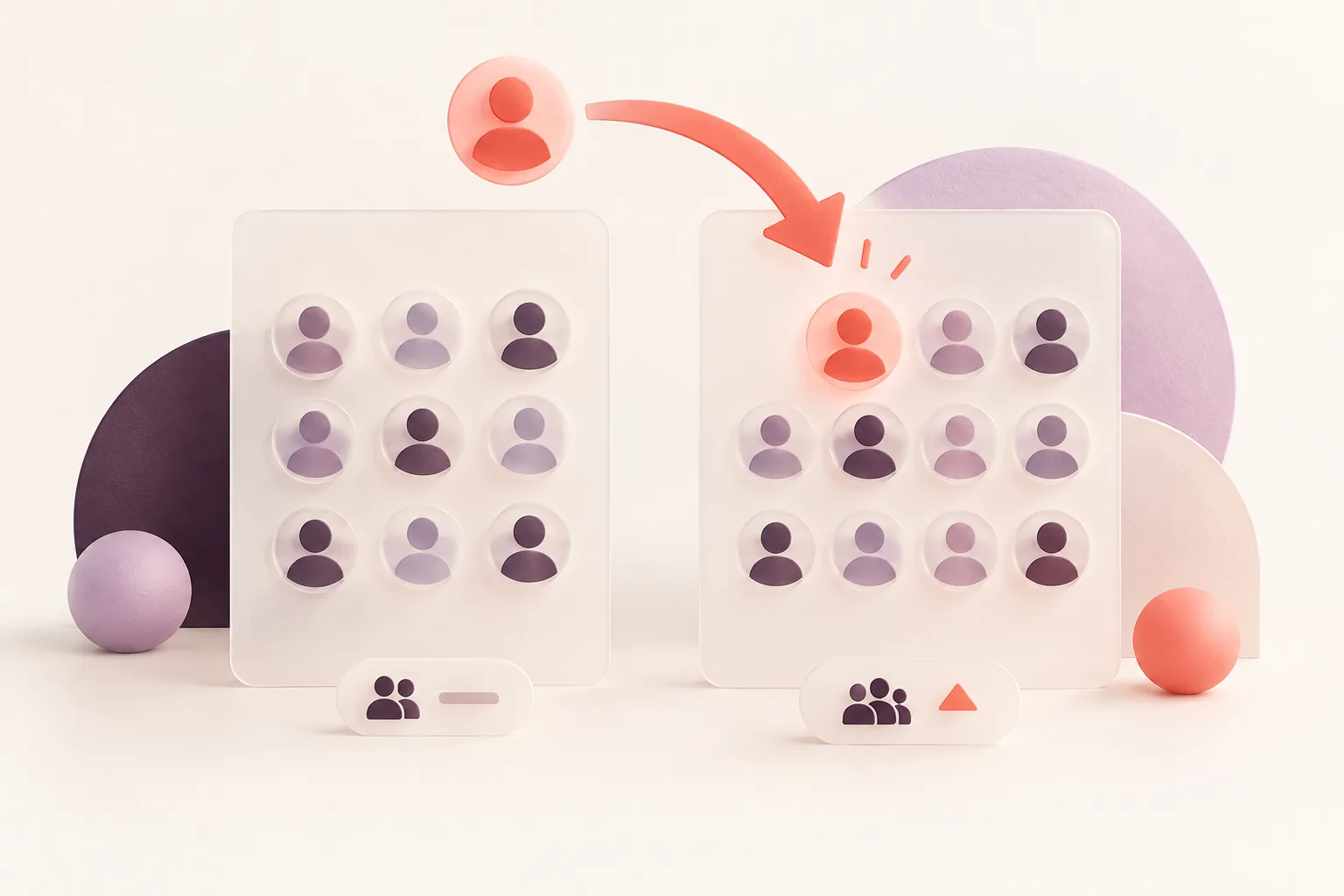
Your Instagram follower count dropped.
Maybe it lost two followers overnight. Maybe it fell by 15 during the week.
Naturally, you want to know which accounts disappeared — and when.
The problem is that Instagram doesn't provide a complete "Recent Unfollowers" tab with names and dates.
But that doesn't mean follower losses are impossible to track.
The key is understanding how comparison-based monitoring works and what can realistically be detected.
Quick Answer: How Do You Find Recent Instagram Unfollowers?
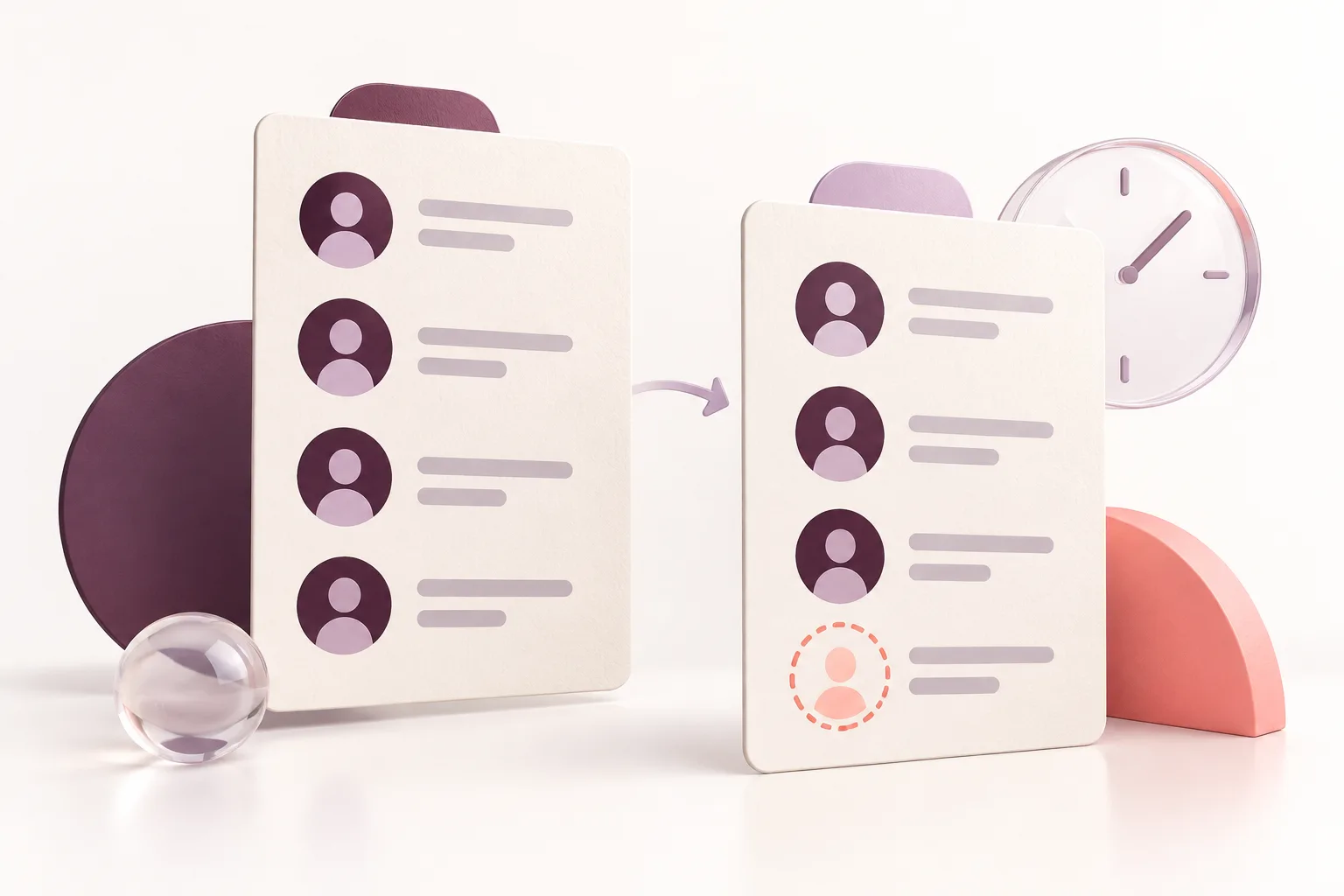
To find recent Instagram unfollowers, compare a complete follower list recorded earlier with another complete list recorded later.
Accounts present in the first list but missing from the second are detected lost followers.
A tool such as ProfileFinder Instagram Unfollowers Tracker can monitor those changes for supported public profiles.
The detection date does not necessarily equal the exact unfollow date.
1. Does Instagram Have a Recent Unfollowers List?
No dedicated historical list is available in the ordinary Instagram interface.
You can view your current followers, search for usernames and check your account analytics where available.
But Instagram doesn't ordinarily provide a log showing:
Every person who unfollowed you
The exact time they left
A searchable history of former followers
Every follow and unfollow event from previous months
This is why third-party unfollower monitoring services exist.
2. How Recent Unfollowers Are Detected
Imagine you have two follower snapshots.
October 1: @alex, @casey, @morgan, @jordan.
October 8: @alex, @casey, @morgan.
If the lists are complete, @jordan is a detected lost follower.
You know that the account was present in the first snapshot and missing from the second.
You don't know exactly when the removal happened.
Why detection intervals matter
Suppose @jordan unfollowed on October 2.
A weekly tracker that checks again on October 8 identifies the absence on October 8.
Reporting "unfollow detected between October 1 and October 8" is accurate.
Reporting "unfollowed at 9:15 AM on October 8" would not be supported by those two snapshots.
3. Step-by-Step: Track Recent Unfollowers
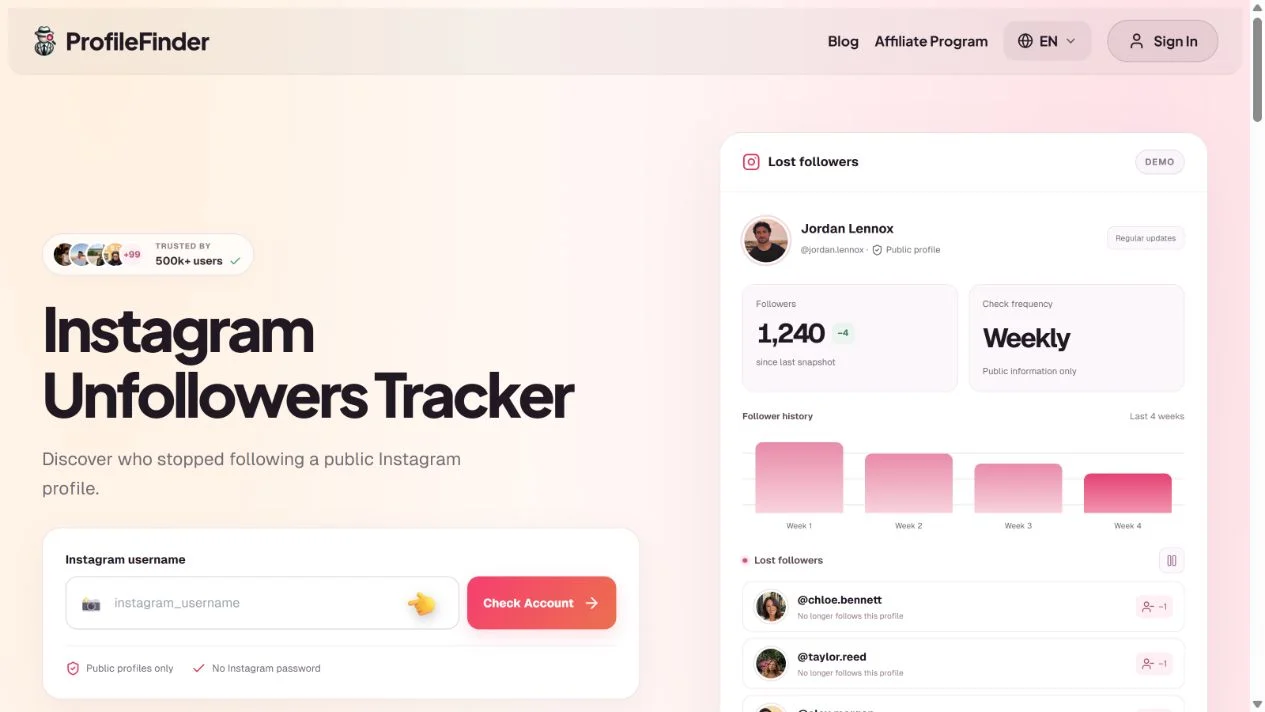
For ongoing monitoring, ProfileFinder Instagram Unfollowers Tracker provides a structured process.
Step 1: Enter a public Instagram username
Open the tracker and enter the account you want to monitor.
Step 2: Confirm account eligibility
The current service supports public accounts with fewer than 30,000 followers.
Step 3: Establish the baseline
After activation, the first successful complete analysis records the follower list.
Step 4: Let regular checks run
Later snapshots are compared with the baseline or previous complete list.
Step 5: Review lost followers
Accounts missing from the newer complete list are identified as lost followers.
Updates appear in the dashboard and arrive by email.
The current subscription is $9.90 per week for one supported public profile.
4. How to Check One Unfollower for Free
If you only suspect one particular account, Instagram itself may be enough.
Open the profile you're checking.
Tap Followers.
Search for the username.
Review whether the account appears in the list.
If the account is missing, first consider username changes, account availability and possible access restrictions.
Without a previous observation confirming the account was following, the current absence doesn't establish exactly when anything changed.
5. Recent Unfollowers vs. Unfollowed Accounts
Two types of activity are frequently confused.
Someone unfollowed you: That account disappeared from your Followers list.
You unfollowed someone: That account disappeared from your Following list.
If you're monitoring who stopped following a public profile, use the Unfollowers Tracker.
If you're monitoring which accounts a person stopped following, you need a comparison of that person's Following list.
ProfileFinder offers the separate Instagram Following Tracker for outgoing connections.
6. Why Recent Unfollower Trackers Sometimes Miss Changes
No snapshot system can guarantee a complete record of events between observations.
For example, an account might unfollow and follow again before the next scheduled check.
Both snapshots could show the account as present.
The temporary unfollow wouldn't appear.
Incomplete snapshots, account removals or data-access restrictions can also affect results.
A reliable tool should handle unsuccessful checks carefully rather than presenting incomplete data as confirmed unfollows.
7. What Should You Do After Finding Unfollowers?
For creators and businesses, look at broader trends.
Did several unfollows coincide with a change in content? Was there a campaign or posting break?
An individual unfollow usually isn't enough to establish a cause.
For personal accounts, remember that an unfollow can be as ordinary as someone cleaning up their feed.
Monitoring data is most useful when interpreted without assuming motives.
How Recent Are "Recent Unfollowers" Results?
Different tools can use the word "recent" to describe different time periods.
A service might show the latest completed comparison, the last weekly report, or changes recorded across several observations.
Those are not the same as knowing the exact moment someone unfollowed.
Example: A Monitoring Timeline
Consider the following illustrative schedule:
| Check | Date | @morgan's Status |
|---|---|---|
| Snapshot 1 | October 1 | Following |
| Snapshot 2 | October 3 | Following |
| Snapshot 3 | October 5 | Not following |
| Snapshot 4 | October 8 | Not following |
In this example, the unfollow was detected between October 3 and October 5.
An accurate report would identify that interval.
It would not claim that the unfollow happened at a particular hour unless an independent source established that information.
What If the Account Disappears Temporarily?
Suppose an account becomes unavailable during the third check.
An incomplete or unavailable snapshot should not automatically be classified as an unfollow.
A reliable comparison needs complete observations and a sensible process for distinguishing missing data from actual relationship changes.
Does More Frequent Monitoring Help?
More frequent valid observations can narrow the interval in which a change occurred.
However, even regular monitoring cannot guarantee detection of every short-lived event.
For ongoing public-account comparisons, ProfileFinder Instagram Unfollowers Tracker provides regular checks and reports rather than claiming access to an exact historical Instagram unfollow timestamp.
Our approach: Use "newly detected unfollower" when describing a comparison result. Avoid inventing the exact date or reason someone stopped following.
Frequently Asked Questions
Can I see recent unfollowers on Instagram for free?
You can check individual accounts or compare complete saved follower lists for free.
Does Instagram display who unfollowed me first?
No. There is no ordinary built-in historical unfollowers ranking.
Can I see who unfollowed yesterday?
Only if reliable observations narrow the event to that period. Weekly comparisons identify a wider interval.
Can I recover old unfollower history?
Only when reliable historical data already exists.
Why is someone missing from my Followers list?
They may have unfollowed, changed usernames, removed or deactivated the account, or become unavailable for another reason.
Does an unfollower tracker require my Instagram password?
Not necessarily. ProfileFinder's public-account monitoring doesn't require your Instagram password.
Are unfollowers and lost followers the same thing?
In follower tracking, the terms generally describe accounts previously present in a follower list that are missing from a later one.
Can I track someone else's recent lost followers?
For a supported public account, a tracker can compare publicly available follower lists over time.
Final Verdict
The only meaningful way to identify recent Instagram unfollowers is to compare what was recorded before with what appears afterward.
For a one-time check, use Instagram directly.
For recurring changes and a clearer record of lost followers, try Instagram Unfollowers Tracker.
Related guides
- How to Know Who Unfollowed Me on Instagram: 5 Methods That Work in 2026
- Top 7 Instagram Unfollowers Apps Compared in 2026
📝 Note at the End of This Article
Updated October 11, 2026. Instagram interfaces, tool features, prices and availability can change. Check the current details on the linked official product pages before subscribing. Comparisons use public documentation; we do not claim hands-on paid testing. Stock photos illustrate social media use, and tutorial captures are identified in their captions.