You open Instagram and notice your follower count has dropped.
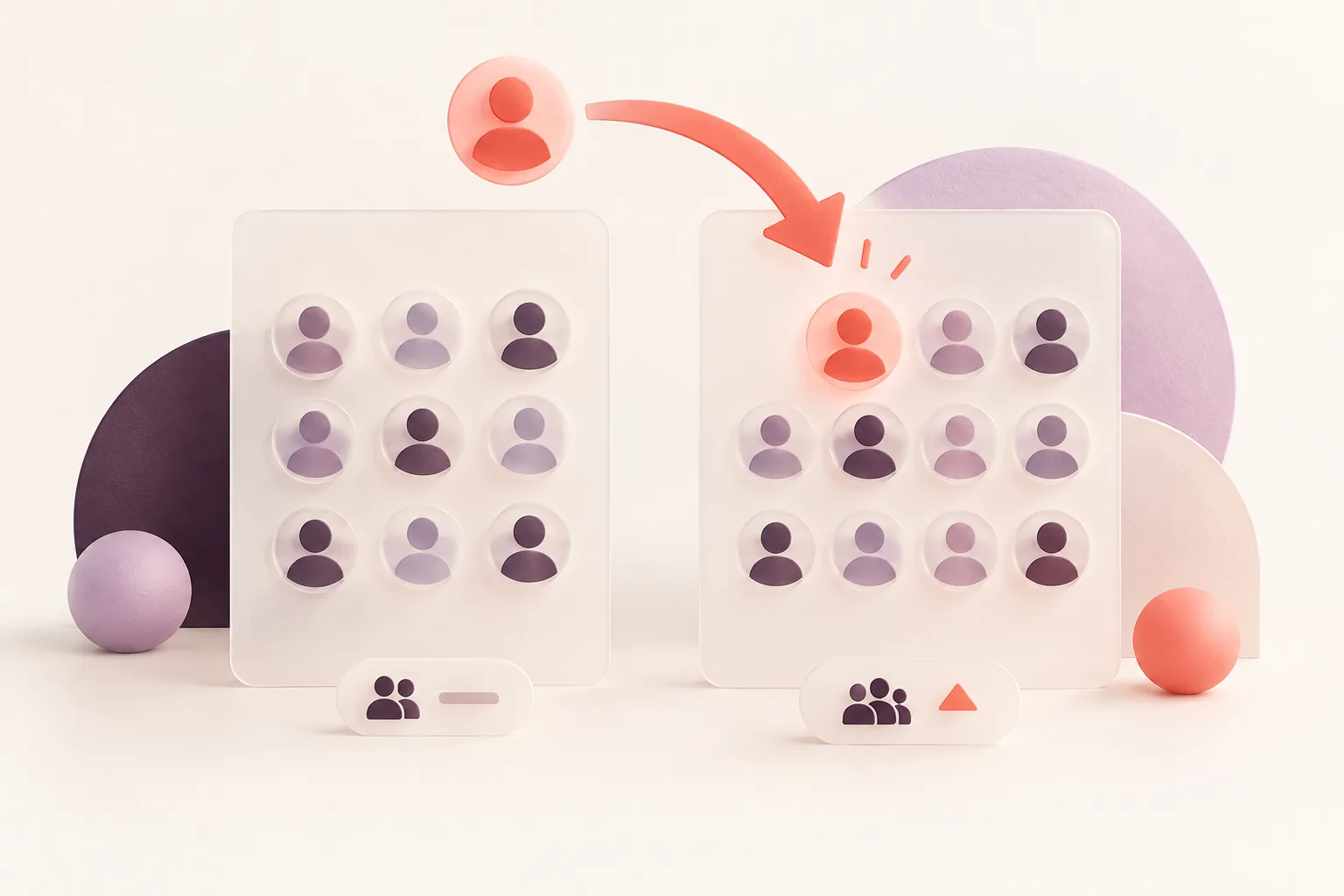
Yesterday you had 1,250 followers. Today, you have 1,243.
Seven followers are gone — but who were they?
Instagram doesn't provide a convenient notification listing everyone who unfollowed you. And scrolling through hundreds of usernames is unlikely to give you a reliable answer.
The good news is that there are several ways to check whether an account still follows you and identify follower losses over time.
This guide covers five methods, from completely free checks to automated Instagram unfollower tracking.
Quick Answer: Can You See Who Unfollowed You on Instagram?
Instagram doesn't provide a built-in historical list of everyone who unfollowed you.
You can manually check whether a specific account still follows you.
To identify multiple unfollowers, you need an earlier complete follower list and a newer complete list to compare.
An Instagram Unfollowers Tracker can automate that comparison for supported public accounts.
It cannot reconstruct every unfollow that happened before monitoring began.
1. Check Whether a Specific Person Still Follows You
If you suspect a particular account unfollowed you, there's no need to install anything.
Step 1: Open Instagram
Log into your own Instagram account.
Step 2: Open your Followers list
Tap Followers on your profile.
Step 3: Search for the username
Enter the person's username into the list's search field.
Step 4: Review the result
If the account appears, it is currently visible as one of your followers.
If it doesn't, verify that the username is correct and consider whether the account changed its handle, became unavailable or was otherwise affected by Instagram restrictions.
The limitation
This checks the current relationship.
It doesn't automatically prove that someone unfollowed yesterday rather than several months ago.
Best for: Checking one specific person.
2. Compare Your Old and New Followers Lists
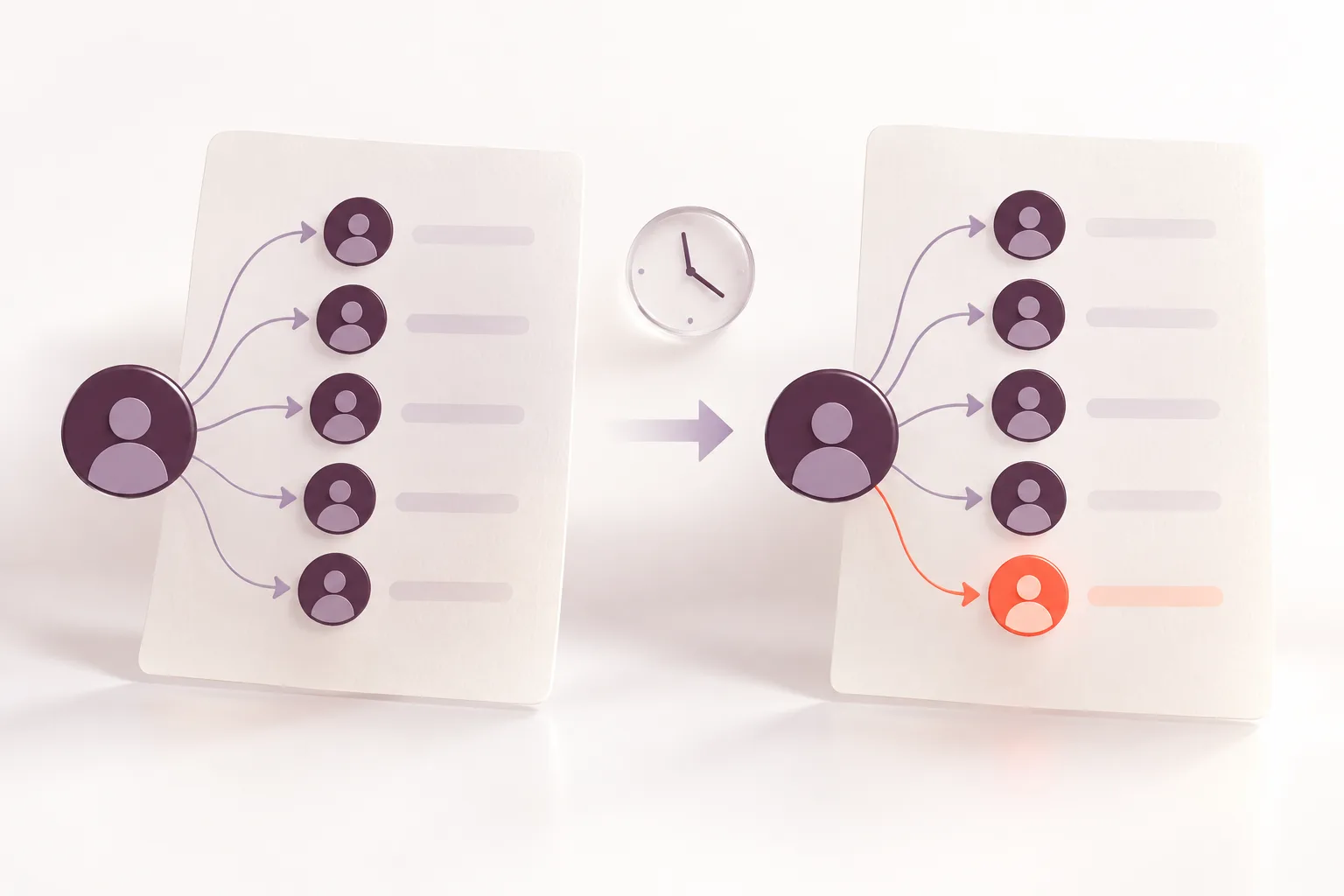
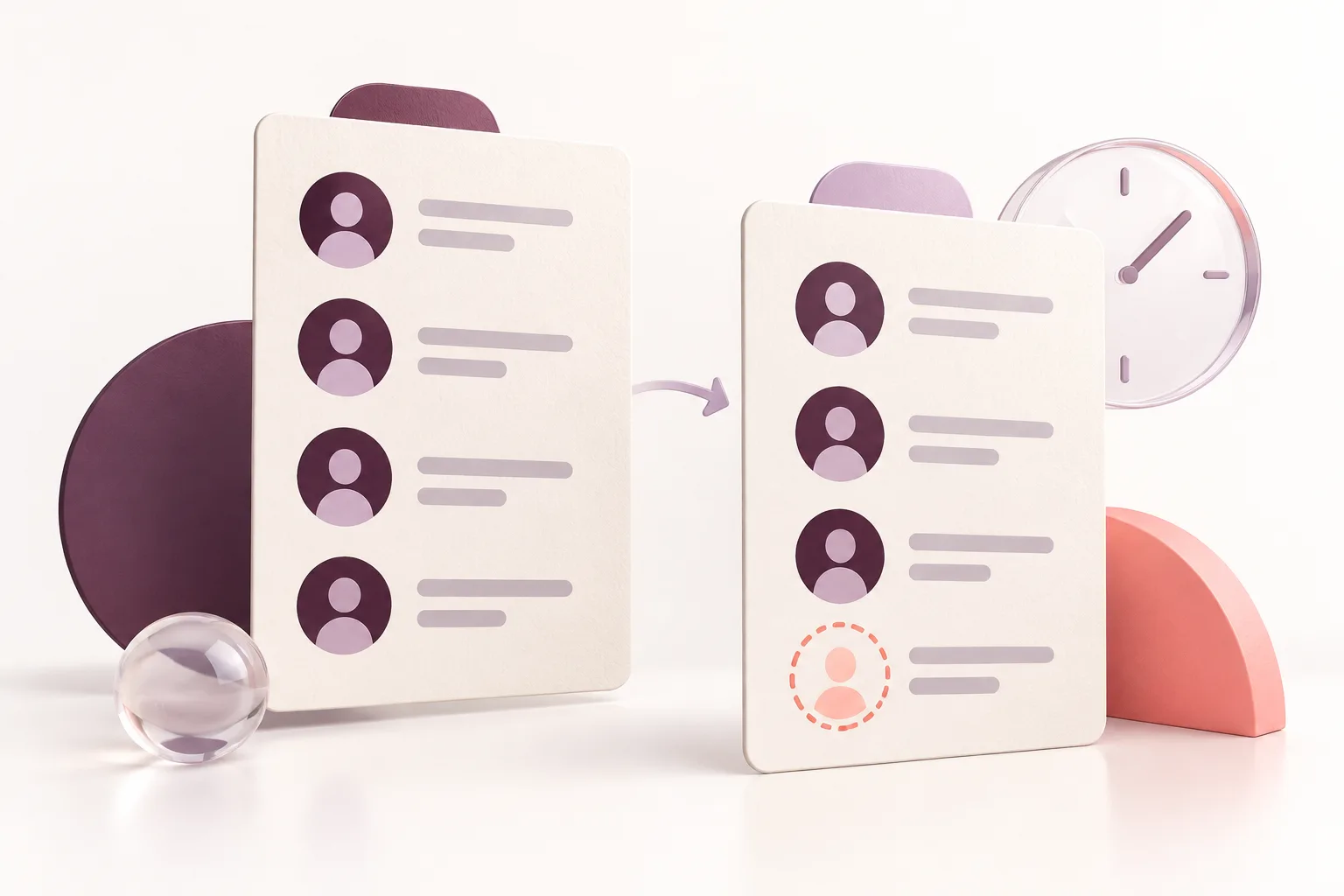
If you have historical follower information, comparing lists is a more dependable way to identify unfollowers.
Imagine your follower list looked like this on Monday:
@alex
@jordan
@casey
@morgan
@taylor
On Friday, it contains:
@alex
@casey
@morgan
@taylor
If both lists are complete and represent the same account, @jordan is a detected lost follower.
You don't need to know where @jordan appeared in Instagram's original list.
You only need to confirm that the account was present before and absent afterward.
Why this method is better than checking the count
An account could gain five followers and lose five others.
Its total follower count would remain identical, despite ten underlying changes.
Comparing usernames reveals more than a net change.
3. Use Instagram's Information Export for Your Own Data
If you want to review information associated with your own account, Meta provides information export options.
The settings are available through Accounts Center, although the exact labels may change.
You can request supported categories of your account information and save exports for future analysis.
Read Meta's information management guidance for more background.
An export created today is not automatically a historical record of every previous follower.
However, when relevant follower data is available in successive exports, comparing saved records can help you identify changes.
Why this can be useful
You remain in control of the information associated with your own account.
You also avoid giving unknown third-party services your Instagram password.
Best for: Users comfortable managing and comparing their own data.
4. Compare Follower Lists in Google Sheets or Excel
If you have two complete follower lists, a spreadsheet can automate the comparison.
Place the earlier usernames in column A and the later usernames in column B.
To identify missing names, use:
=IF(COUNTIF(B:B,A2)=0,"LOST","")
This labels accounts in the original list that don't appear in the new list.
You can also look for new followers by reversing the comparison.
Important limitation
Instagram usernames can change.
If your two data sources use different handles for the same account, a username-only comparison may incorrectly show an unfollow.
Stable account identifiers provide more reliable comparisons when they're available.
5. Use an Automatic Instagram Unfollowers Tracker
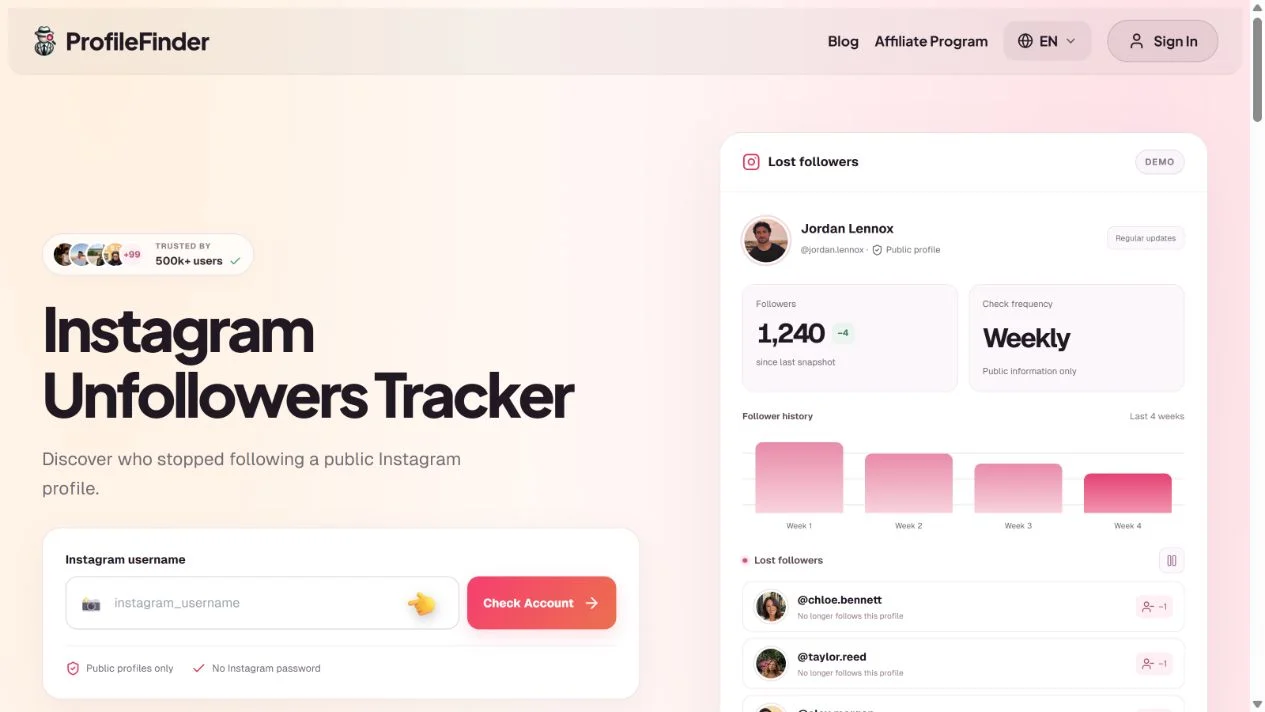
If you want to track changes every week without maintaining spreadsheets, automatic monitoring may be a better option.
ProfileFinder Instagram Unfollowers Tracker monitors publicly visible follower lists for supported accounts.
Step 1: Enter the Instagram username
Open the Unfollowers Tracker and type the public username.
Step 2: Verify the account
ProfileFinder currently supports public profiles with fewer than 30,000 followers.
You don't need the Instagram password.
Step 3: Activate monitoring
The current plan is $9.90 per week for one supported profile.
The first complete analysis establishes a baseline follower list.
Step 4: Compare later snapshots
Regular checks identify accounts that were present in the previous complete list but no longer appear in the latest one.
Step 5: Review lost followers
Detected changes are made available through the dashboard and email updates.
Remember that a detected removal belongs to the interval between successful checks. The exact unfollow time may be unknown.
Before You Pay for an Unfollowers App: Diagnose the Problem
Not every missing follower represents the same event.
Suppose your account had 1,250 followers on Monday and 1,243 on Friday.
The visible net change is -7, but that doesn't tell you how many individual accounts stopped following.
There are at least three possible situations:
| Scenario | New Followers | Lost Followers | Net Change |
|---|---|---|---|
| A | 0 | 7 | -7 |
| B | 8 | 15 | -7 |
| C | 25 | 32 | -7 |
Each scenario produces the same final follower count.
These numbers are illustrative.
This is why a follower-count decrease is not the same thing as a list of people who unfollowed.
Which Method Should You Use?
If you suspect one person: Search your current Followers list. You don't need a paid service.
If you saved complete older data: Compare it with current data using a spreadsheet.
If you want to monitor future losses: Use a tracker that records complete snapshots and compares them over time.
ProfileFinder Instagram Unfollowers Tracker currently supports public profiles with fewer than 30,000 followers, with ongoing monitoring priced at $9.90 per week.
What Happens When the Data Is Incomplete?
A failed data collection could make hundreds of accounts appear to be missing even though they haven't unfollowed.
That's why incomplete snapshots must not be treated as confirmed follower losses.
A useful tracker should separate unavailable information from genuine detected changes.
For your own account information, you can also review Meta's Accounts Center and its available export options.
Bottom line: Before assuming someone unfollowed, establish whether you have evidence of an actual change or only a lower follower count.
Which Unfollower Method Is Best?
| Method | Free | Identifies individual lost followers | Automatic |
|---|---|---|---|
| Search your Followers list | Yes | One account at a time | No |
| Manual saved-list comparison | Yes | Yes | No |
| Instagram information export | Yes, your own data | With comparable data | No |
| Spreadsheet comparison | Yes | Yes | Formula-based |
| ProfileFinder Unfollowers Tracker | Paid | Yes, between checks | Yes |
Your best option depends on whether you need a one-time check or ongoing monitoring.
6. Why Did Someone Disappear From Your Followers?
An account missing from your current Followers list doesn't always mean someone deliberately decided to unfollow you.
Possible explanations include:
They unfollowed
The account holder may simply have stopped following your profile.
Their account became unavailable
Deactivated, deleted or suspended accounts can affect what appears in follower lists.
The username changed
Searching for an outdated username may make it seem as though the account disappeared.
You removed them
Instagram lets users remove followers. If an account was removed, the relationship can change without the other person initiating an unfollow.
A data snapshot was incomplete
A failed or incomplete collection can create false change detections if it is treated as a complete list.
These are reasons to validate the result before deciding what happened.
7. Are Instagram Unfollower Apps Safe?
Some are designed to work with account information you voluntarily provide or with available public data.
Others ask for your Instagram credentials.
Be especially careful with applications that promise access to private messages, hidden followers or private accounts.
Before using any service, check:
Whether it requires your Instagram password
What permissions it requests
Whether its pricing renews automatically
Whether it supports your account type
How frequently it actually collects data
What it does when a snapshot fails
Avoid unfamiliar apps that require unnecessary account access.
8. Does Unfollowing Mean Someone Is Upset With You?
Not necessarily.
People unfollow accounts for countless reasons.
They may be reorganizing their feed, reducing screen time, losing interest in a topic or cleaning up inactive connections.
A follower change is a measurable event, but the reason behind it isn't visible in the data.
For business and creator accounts, the more useful question is whether follower losses form a broader pattern.
A single unfollow is rarely a meaningful performance indicator.
Frequently Asked Questions
How can I see who unfollowed me on Instagram for free?
Search for a specific person in your Followers list, or compare complete follower lists saved at different dates.
Does Instagram notify you when someone unfollows?
Instagram doesn't ordinarily provide a notification every time an account unfollows you.
Can I see everyone who unfollowed me yesterday?
Only if reliable data captures the relevant changes. A tracker checking weekly cannot establish every exact daily event.
Can I see past unfollowers from months ago?
Only if historical records exist. A new monitoring service cannot automatically reconstruct complete past follower activity.
Are unfollower tracking apps accurate?
Accuracy depends on the completeness and timing of the lists used. Usernames changing, missing data and activity between checks can affect results.
Can an unfollower app access private Instagram accounts?
A public-data monitoring tool cannot bypass private-account restrictions.
Why did my follower count decrease overnight?
Possible explanations include unfollows, account removals, deactivations and other platform-related changes.
Can I find unfollowers without giving an app my password?
Yes. You can manually compare your own saved lists or choose a monitoring tool that works without your Instagram login credentials.
Does Instagram show the exact time of an unfollow?
Not through its ordinary follower interface. Snapshot comparisons identify a detection interval rather than a guaranteed exact time.
Can ProfileFinder tell me who unfollowed?
Its Instagram Unfollowers Tracker identifies accounts that disappeared between successful complete snapshots for supported public profiles.
Final Verdict
If you only need to check one person, Instagram itself is enough.
If you want to understand follower losses across weeks, you'll need reliable historical comparisons.
ProfileFinder Instagram Unfollowers Tracker offers a convenient way to monitor those changes for supported public accounts — without relying on the order in which Instagram displays usernames.
Related guides
- How to Find Recent Instagram Unfollowers with List Comparisons
- Top 7 Instagram Unfollowers Apps Compared in 2026
📝 Note at the End of This Article
Updated October 11, 2026. Instagram interfaces, tool features, prices and availability can change. Check the current details on the linked official product pages before subscribing. Comparisons use public documentation; we do not claim hands-on paid testing. Stock photos illustrate social media use, and tutorial captures are identified in their captions.