

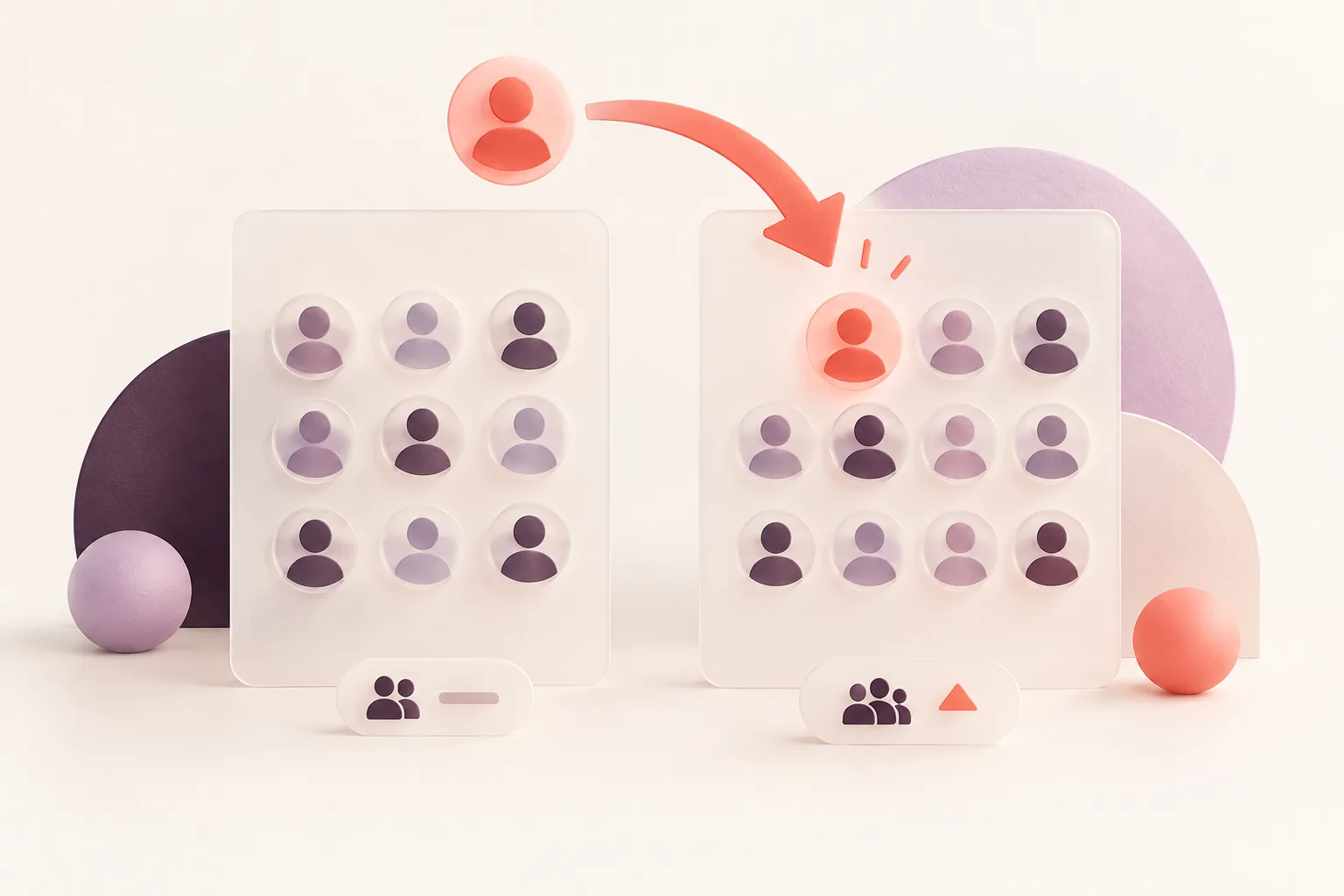
An Instagram account can have exactly the same number of followers today as it did last week — while its actual follower list has changed significantly.
That's why simply watching the follower count isn't always enough.
Instagram follower comparison focuses on the individual accounts within the list, allowing you to identify who joined, who disappeared and how the audience changed between two dates.
This guide explains how to compare follower lists manually, how to use a spreadsheet, and when automatic monitoring makes sense.
Quick Answer
To compare Instagram followers, you need two complete lists from different dates.
Accounts appearing in the newer list but not the original are newly detected followers.
Accounts appearing in the original list but not the newer one are detected lost followers.
For ongoing monitoring of supported public accounts, an Instagram Follower Tracker can perform these comparisons automatically.
1. Why Compare Instagram Follower Lists?
Follower totals show net audience growth or decline.
List comparison shows which accounts changed.
Consider this example:
An account begins with 600 followers.
During the week, 15 accounts follow it and 12 stop following.
Its new total is 603.
The visible number changed by only three, but there were 27 individual follower changes.
Without comparing lists, that activity isn't obvious.
2. What You Need Before Comparing Followers
A valid comparison requires two reliable snapshots.
Each snapshot should represent the complete available follower list for the relevant account.
You'll also need to know when each snapshot was recorded.
Incomplete lists can create misleading results.
For example, if you saved only the first 50 usernames from a 2,000-follower account, an account missing from the second screenshot might simply have moved further down the ranked list.
That doesn't mean it unfollowed.
Always compare account identities, not list positions.
3. Free Method: Compare Instagram Followers in a Spreadsheet
If you have legitimately obtained complete lists, Google Sheets or Excel can help identify differences.
Step 1: Create two columns
Place the original follower usernames in column A.
Place the newer usernames in column B.
Step 2: Standardize the usernames
Remove accidental spaces and ensure each username uses a consistent format.
Step 3: Identify new followers
In a new column, use a formula such as:
=IF(COUNTIF(A:A,B2)=0,"NEW","")
This labels a username in column B as new when it doesn't appear in column A.
Step 4: Identify lost followers
Reverse the comparison:
=IF(COUNTIF(B:B,A2)=0,"LOST","")
This identifies usernames from the original list that aren't present in the new list.
Step 5: Review the results
Validate unexpected changes before drawing conclusions.
Usernames can change, and inconsistent data collection can produce misleading differences.
A stable account identifier is more dependable than a username when available.

4. Why Screenshot Comparison Is Unreliable
Screenshots can work for very small lists, but they have major limitations.
Instagram may display accounts in a different order from one session to another.
A screenshot also captures only a portion of a long list.
If an account disappears from the visible screen, that doesn't prove the account left the entire follower list.
To identify actual additions and removals, you need sufficiently complete data.
5. Automatic Instagram Follower Comparison
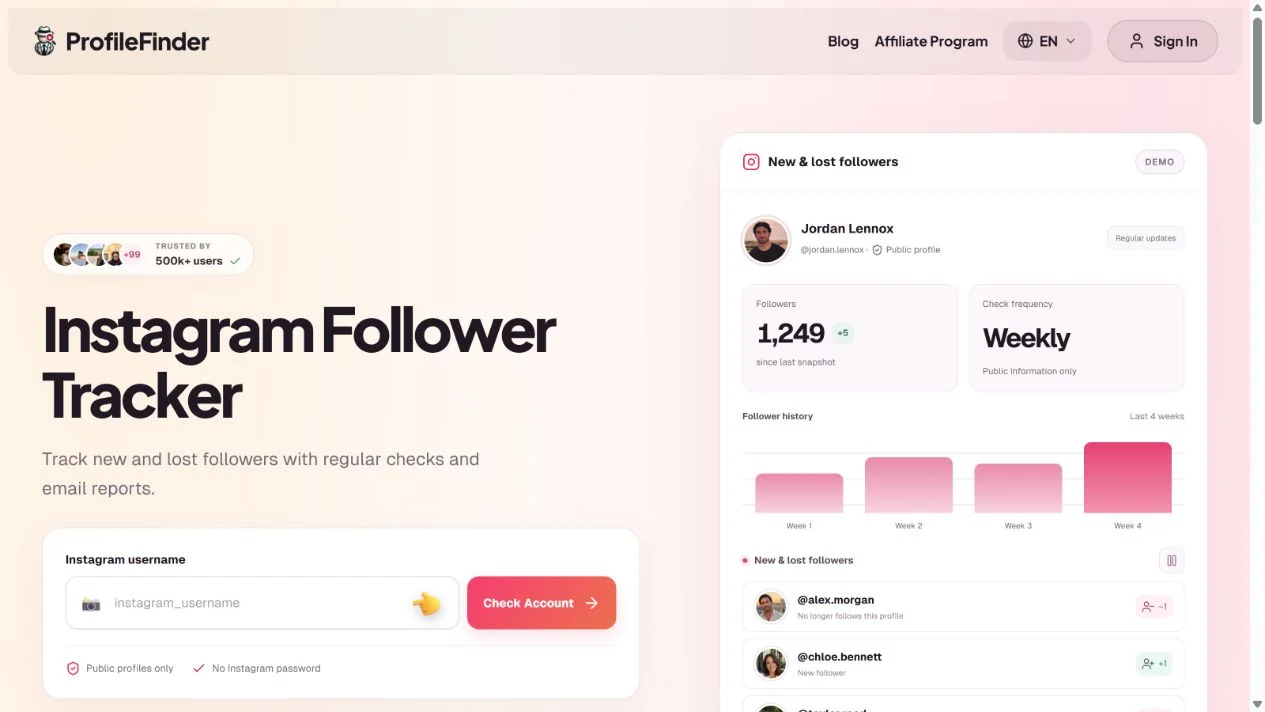
For regular monitoring, ProfileFinder Instagram Follower Tracker performs list-level comparisons for supported public accounts.
Step 1: Enter a public Instagram username
The current service supports public profiles with fewer than 30,000 followers.
Step 2: Activate monitoring
The initial successful complete analysis establishes the baseline list.
Step 3: Compare later snapshots
Subsequent checks analyze which account identities have appeared or disappeared.
Step 4: Review new and lost followers
Results are available in the dashboard, with regular email reports.
The current advertised subscription is $9.90 per week for one eligible profile.
You don't need to provide an Instagram password.
6. Comparing Followers vs. Comparing Following
The distinction is important.
Follower comparison shows changes in the people who follow an account.
Following comparison shows changes in the people that account follows.
| Goal | List to compare |
|---|---|
| Find new followers | Followers |
| Identify lost followers | Followers |
| Find newly followed accounts | Following |
| See accounts no longer followed | Following |
For outgoing follow changes, use the Instagram Following Tracker.
7. How to Interpret Follower Comparison Results
A good comparison should identify changes without inventing explanations.
New follower
The account appears in the newer snapshot but not the earlier complete snapshot.
Lost follower
The account was present in the earlier snapshot but is absent from the newer complete snapshot.
Unchanged follower
The account appears in both lists.
Unknown activity between checks
An account that followed and unfollowed between observations may leave no evidence in either snapshot.
A username change may also complicate comparison unless the data source uses a stable identifier.
These categories make it easier to distinguish verified list changes from speculation.
8. Who Benefits From Instagram Follower Comparison?
Content creators
Comparing followers can provide extra context alongside native audience analytics.
Small businesses
Businesses may want to understand how their audience changes following a campaign.
Community managers
Monitoring additions and removals can help document public community trends.
Individuals
People sometimes compare public lists out of curiosity. Keep the interpretation proportionate: a follow or unfollow alone doesn't establish someone's motives.

What Makes an Instagram Follower Comparison Reliable?
A comparison is only as good as the underlying account data.
Here are four checks that matter more than the number of screenshots you collect.
1. Use Complete Snapshots
If an account has 2,000 followers but you only recorded the first 100 displayed usernames, the comparison is incomplete.
Someone disappearing from those 100 names may simply have moved further down the list.
2. Match Stable Account Identifiers When Possible
Usernames can change.
For example, @alexsmith might become @alex.creates.
A username-only comparison may incorrectly classify the old username as a lost follower and the new username as a new follower.
Matching a stable account identifier can reduce these errors when that information is available.
ProfileFinder's Follower Tracker documentation states that it compares Instagram profile IDs between snapshots.
3. Ignore Failed or Partial Checks
Imagine the original follower list contains 1,000 accounts, but a later collection stops after 600.
Treating the missing 400 entries as unfollowers would create hundreds of false results.
A failed or incomplete snapshot should not be used to declare confirmed losses.
4. Explain the Detection Interval
A profile appearing between October 1 and October 8 is a newly detected follower during that interval.
It is not necessarily a follower gained on October 8.
Example: Comparing Stable IDs
| Account ID | Earlier Snapshot | Latest Snapshot | Result |
|---|---|---|---|
| 1001 | Present | Present | Unchanged |
| 1002 | Present | Absent | Detected removal |
| 1003 | Absent | Present | Detected addition |
| 1004 | Present | Present | Unchanged |
Illustrative identifiers; not real Instagram user records.
This methodology is more trustworthy than simply comparing where people appear in an Instagram list.
It is also why automatic monitoring is useful for larger supported public accounts: the value comes from repeatable comparisons, not just retrieving a current follower count.
Frequently Asked Questions
Can I compare Instagram follower lists for free?
Yes, if you already have reliable complete lists from different dates. A spreadsheet can compare them without a subscription.
Can Instagram show who unfollowed between two dates?
Not directly as a complete historical comparison through the ordinary Followers interface.
Can I compare followers without logging into Instagram?
Some monitoring tools analyze publicly accessible account information without asking for your Instagram password.
Is comparing usernames enough?
It can be useful, but usernames may change. Stable account identifiers are more dependable when available.
Can I compare private Instagram follower lists?
Only when you have appropriate authorized access to the data. Public monitoring tools can't bypass account privacy settings.
Why does a comparison show changes when the follower count is unchanged?
An equal number of followers may have joined and left during the period.
Can a tracker detect a follow that lasted only one hour?
Not necessarily. Detection depends on whether the connection existed during a successful observation.
What's the easiest way to compare followers every week?
Use a tracker that maintains complete snapshots and compares account identities across checks.
Final Verdict
Instagram follower comparison is more informative than monitoring follower totals alone.
It reveals identifiable additions and removals, provided the underlying snapshots are complete and reliable.
For occasional checks, a spreadsheet may be sufficient. For ongoing automated comparisons, use ProfileFinder Instagram Follower Tracker.
Related guides
- How Instagram Followers Order Works: Sorting Explained in 2026
- How to Track Instagram Follower Count History and Growth in 2026
📝 Note at the End of This Article
Updated October 11, 2026. Instagram interfaces, tool features, prices and availability can change. Check the current details on the linked official product pages before subscribing. Comparisons use public documentation; we do not claim hands-on paid testing. Stock photos illustrate social media use, and tutorial captures are identified in their captions.